 Fast TV
FAST TV GUIDE
Subtitles appear early or late on the TV

If subtitles appear consistently early or late on the TV, the SRT or WebVTT file is timed for a different cut of the video. Fast TV does not shift timing, so measure the offset, adjust the file on your Mac with a subtitle editor, save it as UTF-8 text and refresh subtitles in Fast TV.
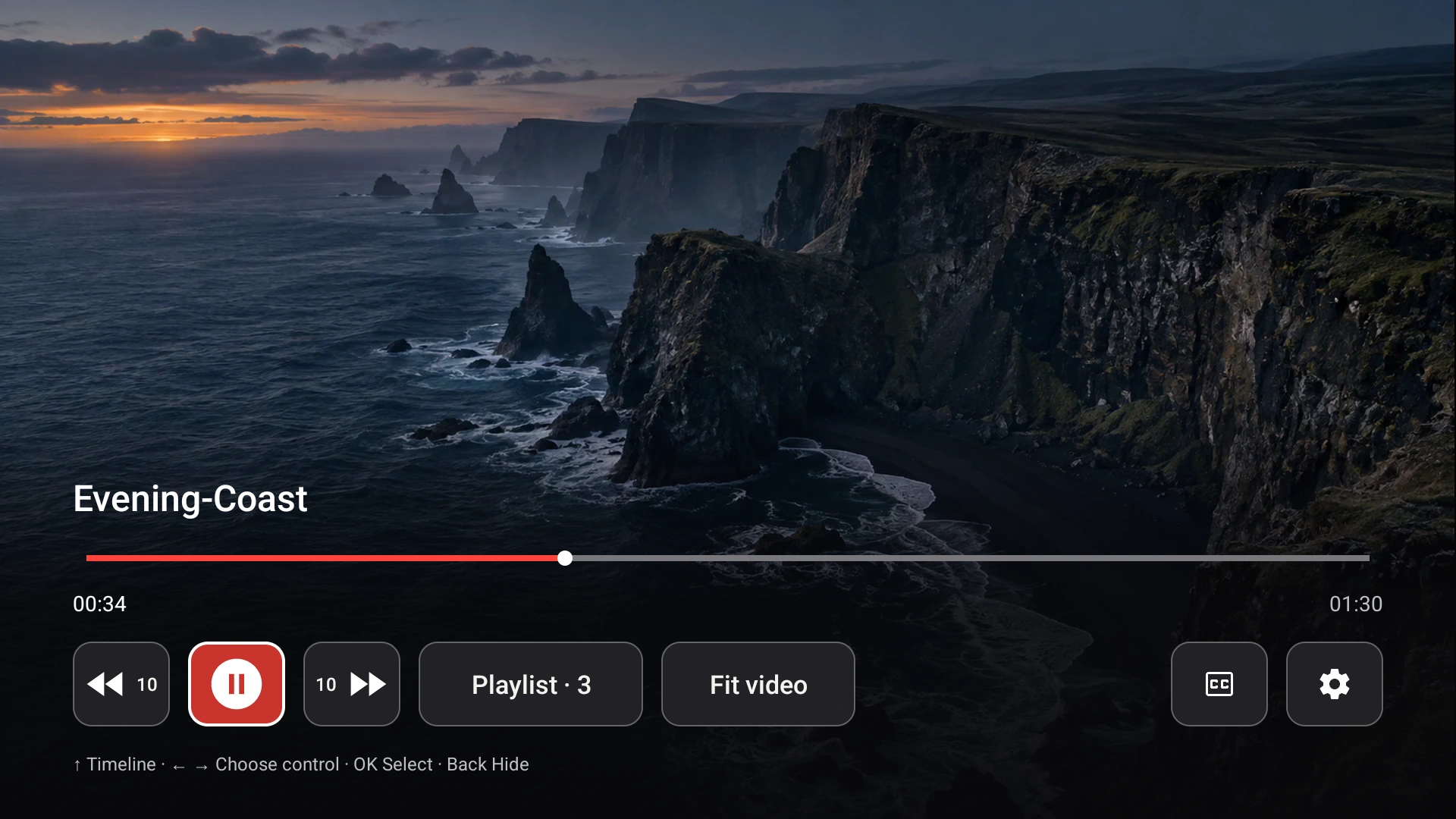
The receiver renders the subtitle file exactly as timed. A late or early file needs to be corrected on the Mac.
Constant offset or drift?
Watch three points: the start, the middle and the end. If every line is late by about the same amount, you have a constant offset and a single shift fixes it. If the gap grows over the film, the file was timed for a different frame rate and needs a frame-rate change, not a shift. Both are fixed in the file, not on the TV.
Measure the offset on the Mac
Open the video and the subtitle file in a desktop player that can adjust subtitle delay, nudge the delay until the lines match the dialogue, and note the value. Then apply that value to the file itself so it is correct everywhere, including on the TV.
Shift the file
- A subtitle editor: use its shift-all-times command, enter the offset, and save.
- ffmpeg: a one-line command shifts an SRT by a fixed number of seconds; use a negative value to make subtitles appear earlier.
- Drift: in the editor, change the subtitle frame rate from the one the file was made for to the video’s actual frame rate, then save.
Save the result as a plain UTF-8 or UTF-16 text file with the .srt or .vtt extension. Fast TV rejects files that are empty, larger than 4 MiB, or contain invalid cue timestamps, and it tells you which of those applied.
Refresh it in Fast TV
If you overwrote the file in place, select the video on the Mac and click Refresh subtitles from video folder, then choose the track again. If you saved a new file beside the video or in its Subs or Subtitles folder, it is listed after a refresh; with Choose file… you can pick it from anywhere. On the Fast TV receiver, choose it from the CC control; the selection updates without restarting playback. Where subtitle files go.
When timing is not the problem
- Lines missing entirely: the file has gaps or unreadable cues; check it in the editor.
- Wrong language or wrong film: you chose a different track; filenames are listed as they are on disk.
- Subtitles stuck on the old version with Google Cast: Cast cannot switch captions mid-play. Choose the corrected file on the Mac and reconnect.
Questions
Can I adjust subtitle delay from the TV remote?
No. The Fast TV receiver has no delay control. Fix the file once on the Mac; the corrected timing then works in every player.
Will Fast TV change my subtitle file?
No. It reads the file in place and stores a reference. Any edit is yours, made in your editor.
Why were the subtitles fine in a desktop player but late on the TV?
Most desktop players remember a delay you set, which never reaches the file. The TV shows the file as written. Apply the delay to the file and it matches everywhere.
Related guides
Free to download. A one-time US$19.99 license streams from up to two Macs. Apple silicon with macOS 13 or later, and a Google TV or Android TV on the same local network.