 Fast TV
FAST TV GUIDE
An MKV plays with picture but no sound on Google TV
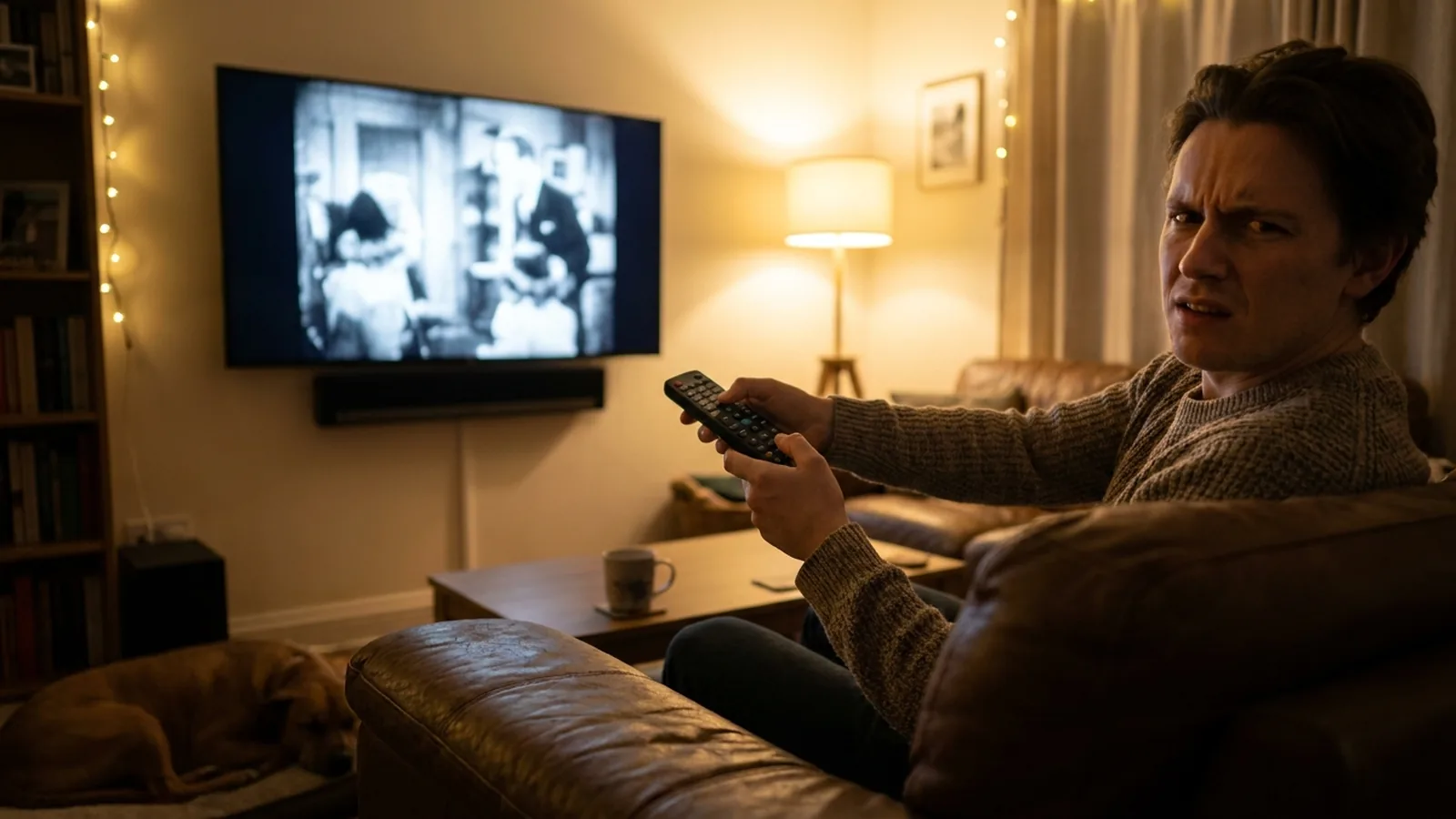
When an MKV plays silently on a TV, the TV understood the video track but not the audio codec inside the file. Fast TV handles that for you: the Fast TV receiver decodes supported soundtracks, including Dolby Digital Plus, on the TV, and for Google Cast or a codec the TV cannot decode the Mac prepares a stereo AAC track before playback. You add the file; the sound plays.
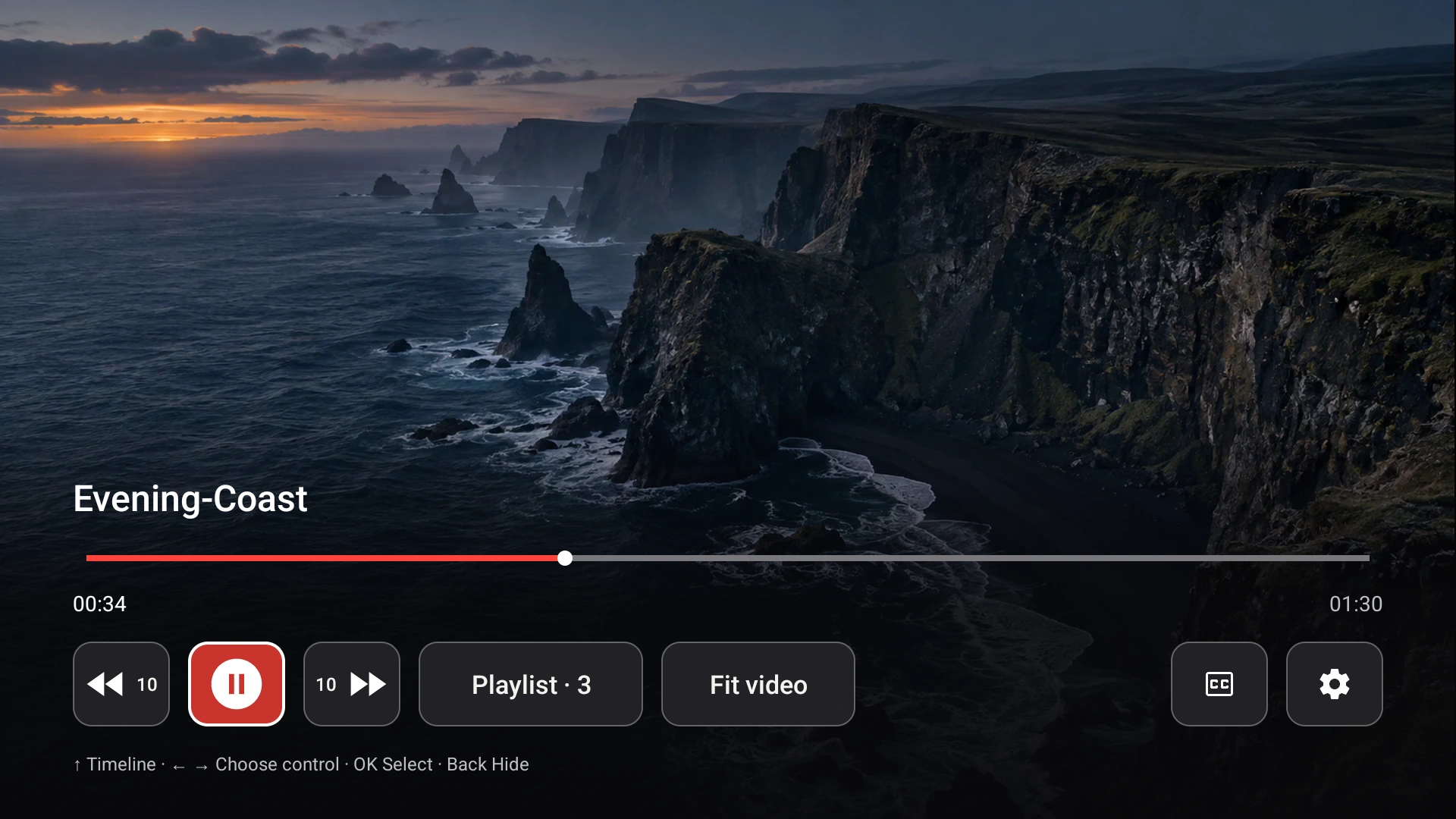
Playback on the Google TV receiver. Demo video shown.
Why MKVs go silent on a TV
An MKV is a container holding separate video and audio tracks, each with its own codec. Two files with the same .mkv extension can carry AAC in one and DTS, TrueHD or another codec in the other. A TV’s built-in player, a drive plugged into the TV, or Chrome’s Cast file all hand the track to the TV as-is, and the TV stays silent on a codec it cannot decode. That is the most common “no sound” complaint for Google TV and Chromecast.
What Fast TV does about it
- With the Fast TV receiver, MP4 and MKV files stream directly and supported soundtracks, including Dolby Digital Plus (E-AC-3), are decoded on the TV while the video plays. Surround audio is mixed to stereo for the TV speakers.
- With Google Cast, an older receiver, or a codec outside what the TV advertises, Fast TV prepares a temporary compatible MP4 on the Mac: the H.264 or HEVC video is copied without re-encoding and the audio becomes AAC stereo. The Mac shows Preparing audio… with progress; you can cancel with Stop.
- Temporary files use up to 10 GiB per session, keep at least 1 GiB free, and are removed when you stop, disconnect, remove the video or quit. Your original file is never changed.
Still no sound? Three quick checks
- Every video is silent, not just one: the TV’s volume, mute or sound output is the cause. Fast TV does not change the TV’s output device.
- The TV reports that the movie could not play: the video codec, not the audio, is outside the TV’s support. Fast TV copies video unchanged; use an H.264 or HEVC version of the file. What plays on Google TV.
- The Mac reports there is not enough temporary space: remove some videos or free disk space, then try again.
Subtitles in a prepared copy
A prepared copy carries the video and a stereo AAC track; subtitles embedded inside the MKV are not part of it. Put an SRT or WebVTT file beside the video and Fast TV lists it for the Mac and the TV remote. Add external subtitles.
Questions
Why does the same MKV play with sound in VLC on my Mac but not through the TV’s own player?
VLC decodes with its own software codecs; the TV’s hardware supports a narrower set. Fast TV bridges that gap by decoding on the receiver or preparing AAC stereo.
Will I get 5.1 surround sound?
No. Fast TV mixes surround soundtracks to stereo for reliable playback through TV speakers.
Does Fast TV convert the video track?
No. H.264 and HEVC video is streamed exactly as encoded. Only audio is prepared when needed.
Related guides
Free to download. A one-time US$19.99 license streams from up to two Macs. Apple silicon with macOS 13 or later, and a Google TV or Android TV on the same local network.