 Fast TV
FAST TV GUIDE
Will a 4K HEVC or 10-bit video play on Google TV?
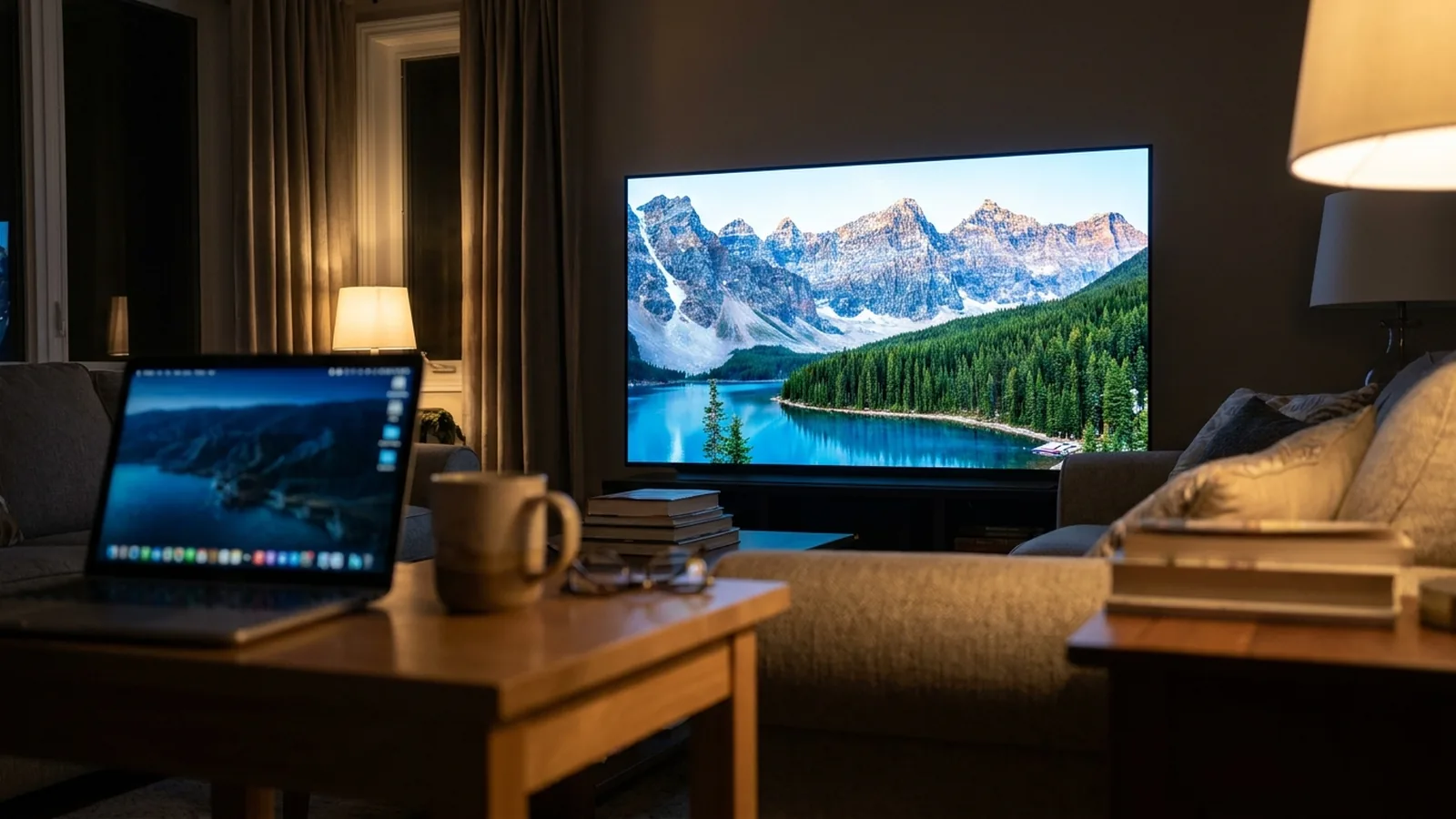
Usually yes, if the TV supports it. Fast TV sends H.264 and HEVC video to the TV without re-encoding, so a 4K HEVC Main or Main 10 file plays when the TV’s decoder handles that profile and level. Files encoded at a very high tier, with unusual video codecs, or with audio the TV cannot decode are the usual causes of failure.
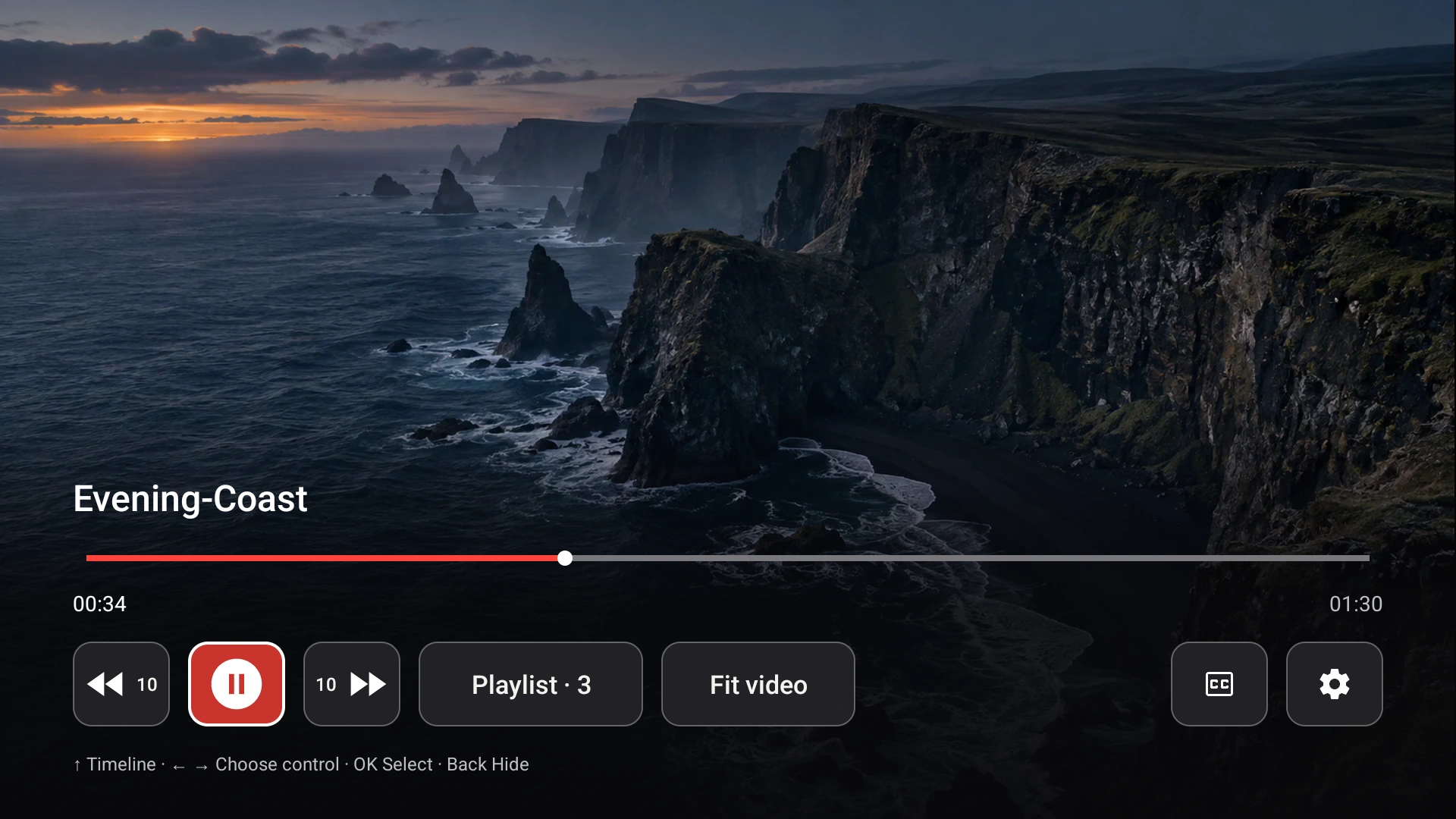
The receiver plays the video track as it is encoded; the TV’s hardware does the decoding. Demo video shown.
What Fast TV changes, and what it does not
Fast TV never re-encodes video. H.264 and HEVC streams reach the TV exactly as encoded. Audio is different: the Fast TV receiver decodes supported audio, including Dolby Digital Plus, on the TV, and for Google Cast or unsupported audio the Mac prepares a stereo AAC track. A file with video in another codec, such as AV1 or VP9 in a container the TV does not handle, is reported as needing a conversion that Fast TV does not support.
What Google TV devices typically decode
Current Google TV devices decode H.264 and HEVC Main and Main 10 at 4K. The exact level, frame rate and bit depth vary by model and generation, and older Chromecast dongles stop at H.264. The TV manufacturer’s specifications are the authority; Fast TV cannot make a TV decode a profile it does not support.
Check the file before you blame the TV
Open the file in a media inspector on the Mac and look at four things:
- Video codec and profile: H.264 High or HEVC Main or Main 10 are the common successes.
- Level and tier: HEVC above level 5.1 or flagged as High Tier can exceed a TV’s decoder even when the resolution looks ordinary.
- Audio codec: DTS, TrueHD and some lossless tracks are not decoded by the TV. Fast TV prepares AAC stereo for Google Cast, and the receiver decodes supported tracks on the TV. Sound problems explained.
- HDR format: HDR10 content generally plays on HDR-capable TVs. Dual-layer Dolby Vision from disc remuxes is often unsupported on streaming devices regardless of the app.
Symptoms and what they mean
- The TV reports that the movie could not play: the video track is outside the TV’s decoder support, or the container is damaged.
- Picture but no sound: the audio track is the problem. Try the Fast TV receiver, or let Fast TV prepare audio for Cast.
- Picture freezes while sound continues: the decoder is overwhelmed, often by bitrate or tier. Stutter and buffering.
- Washed-out or dark colours: an HDR file is being shown on a TV without HDR support, or the TV’s picture mode needs changing.
When the file will not play
Re-encode the video once on the Mac with a tool of your choice to H.264 or HEVC Main 10, level 5.1 or lower, with AAC audio, and add the new file to the playlist. Fast TV does not include a video converter, and it does not alter your original file.
Questions
Does Fast TV play 4K?
Yes. The resolution limit comes from the TV, not from Fast TV. The video is sent as encoded.
Is 10-bit HEVC supported?
HEVC Main 10 plays on TVs that decode it, which includes current Google TV devices. Fast TV passes it through unchanged.
Does Fast TV upscale or downscale?
No. The TV displays the stream at its native resolution and applies its own scaling and picture settings.
Related guides
Free to download. A one-time US$19.99 license streams from up to two Macs. Apple silicon with macOS 13 or later, and a Google TV or Android TV on the same local network.