 Fast TV
FAST TV GUIDE
Your Google TV does not appear in Fast TV on the Mac
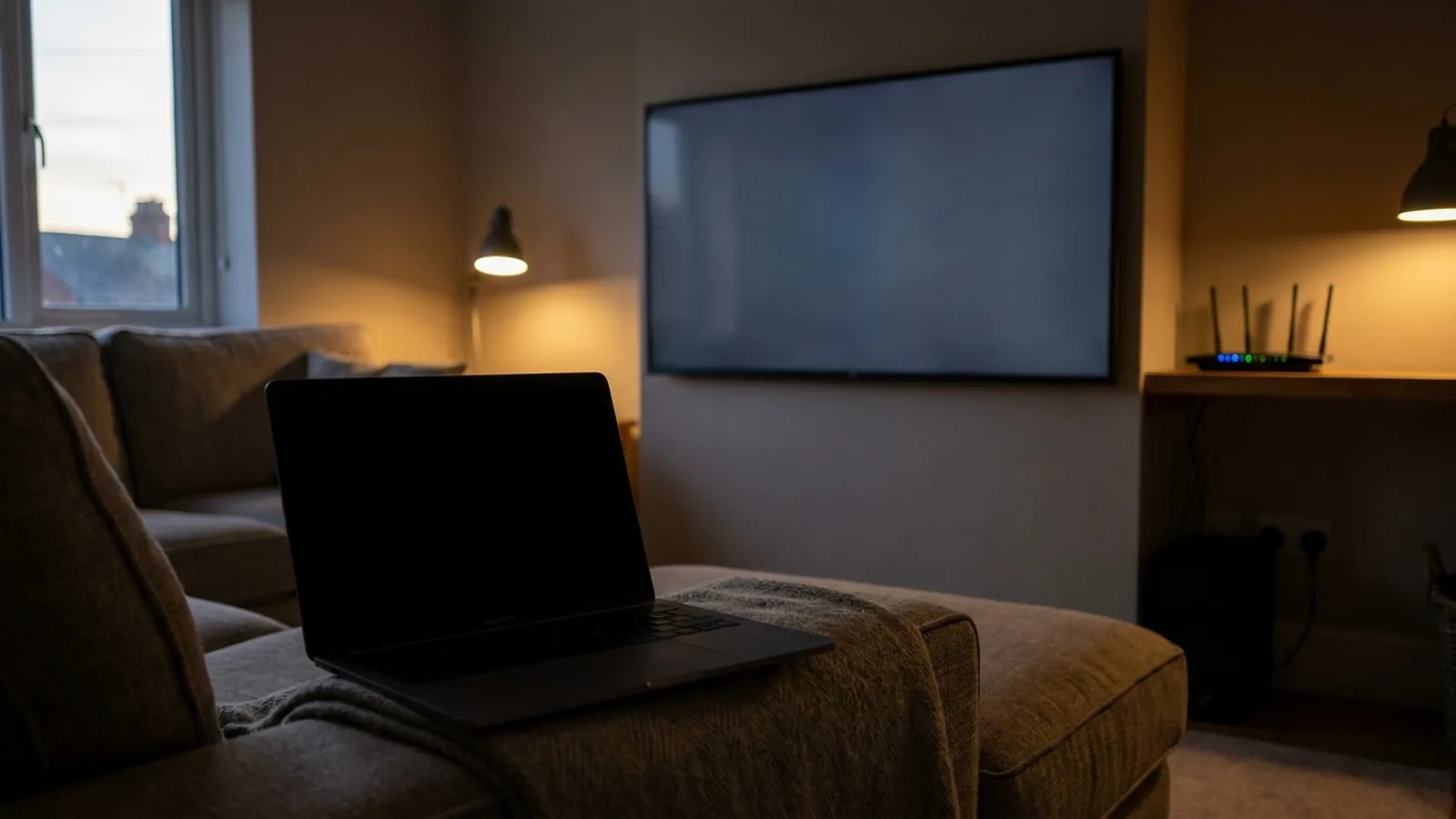
If your TV does not appear in Fast TV, open the Fast TV receiver on the TV and check that both devices are on the same local network. Then check Mac network permissions and whether a VPN or guest-network setting is separating the devices.

Once the TV appears in the Mac app and pairs, the receiver shows the playlist sent from the Mac.
1. Open the receiver and refresh
The Fast TV receiver only announces itself while it is open and in the foreground on the TV. Open it, wait for the pairing screen, then click Refresh TVs on the Mac. A Google Cast TV announces itself without the receiver, but it still has to be awake and connected to Wi-Fi.
2. Confirm one local network
Both devices must be on the same local network. The same Wi-Fi name is not always enough: guest networks, client isolation on the router, and separate 2.4 GHz and 5 GHz networks set up as different networks can all stop devices from seeing each other. Connect the Mac and the TV to the same trusted home network and refresh again.
If your Mac is connected to a VPN, discovery traffic may be routed away from the home network. Disconnect the VPN while you test, then reconnect it once the TV appears if your VPN allows local network access.
3. Check Mac permissions
macOS asks whether Fast TV may find devices on the local network the first time it runs. If that was declined, open System Settings, go to Privacy & Security, choose Local Network and turn on Fast TV. If the macOS firewall asked about incoming connections, allow them for Fast TV. The app needs incoming connections because the TV fetches the video from the Mac.
4. Use Connect by IP
If discovery still fails, click Connect by IP in the Mac app and enter the TV’s address from the TV’s network settings, for example 192.168.1.42. Add a custom port only if you set one. If the Mac reports that it cannot reach the TV, the two devices are not on the same network yet; return to step 2.
5. Tell the two problems apart
A TV that never appears is a discovery or network problem, and the steps above cover it. A TV that appears, pairs and then fails to play a specific file is a media problem. MKV with no sound or try an MP4 with H.264 video and AAC audio to confirm the connection works.
What not to do first
There is no need to turn off the firewall completely, open ports on your internet router or reset the TV to factory settings as a first step. Fast TV streams only within the local network. If you contact support, include your Mac model, macOS version, TV model, whether you used the receiver or Google Cast, and the exact message shown.
Questions
The TV appeared yesterday but not today. Why?
The receiver was probably closed, or one device joined a different network. Open the receiver, confirm the network on both devices, and refresh. If the TV got a new IP address, a saved Connect by IP entry may need updating.
Does Fast TV work over Ethernet?
A TV on Ethernet and a Mac on Wi-Fi can work when the router puts both on the same local network. Fast TV does not require a particular connection type, but it cannot cross isolated networks.
Can I use Fast TV on a hotel or office network?
Usually not. Those networks commonly isolate clients from each other. Fast TV is designed for a trusted home network.
Related guides
Free to download. A one-time US$19.99 licence streams from up to two Macs. Apple silicon with macOS 13 or later, and a Google TV or Android TV on the same local network.