Add your videos.
Drag video files into the Mac app to build a playlist. Fast TV remembers where they are without copying or moving the originals.
FAST TV FOR MAC + GOOGLE TV
Your videos, streamed over your home network.
Queue up a movie, choose your subtitles, and watch from the sofa.
Free to download · One-time licence to stream

MOVIE NIGHT, SIMPLIFIED
Open Fast TV on your Mac and TV, with both on the same home network. Add your videos, pair your devices, and you’re ready to watch.
Drag video files into the Mac app to build a playlist. Fast TV remembers where they are without copying or moving the originals.
Open the Google TV receiver. Select your TV in the Mac app, click Play on TV, and enter the pairing code shown on your TV.
Start a video from your Mac or TV. Then use your TV remote to pause, seek, or choose what to watch next.
GOOGLE TV RECEIVER
The Fast TV receiver is now available on Google Play for Google TV and Android TV. Already installed it from this site? Keep it: Google Play updates it like any other app.
Get it on Google PlayDownload the TV app (APK)
Version 1.0.0 · 4.3 MB · Google TV or Android TV with Android 7 or later
FROM GOOGLE PLAY
On your TV, open Google Play and search for Fast TV. Or open the listing on your phone or computer and install it on your TV from there.
Select Install, then Open. Fast TV appears with your other apps on the TV.
Leave the pairing screen visible on the TV. In the Mac app, choose your TV, click Play on TV, and enter the PIN.
OR INSTALL THE APK
On your TV, open Google Play, search for Downloader and install it. It’s a free app for downloading files by web address.
Go to Settings › System › About and select Android TV OS build seven times, until the TV says you’re a developer.
Go to Settings › Apps › Security & restrictions › Unknown sources and turn on Downloader. On older Android TV models, look under Device Preferences.
Open Downloader, enter myfastv.com/apk and select Go. When the download finishes, select Install, then Open.
WATCH YOUR WAY
Your playlist is right there on the TV. Browse it with your remote, switch videos, and keep watching without going back to your Mac.
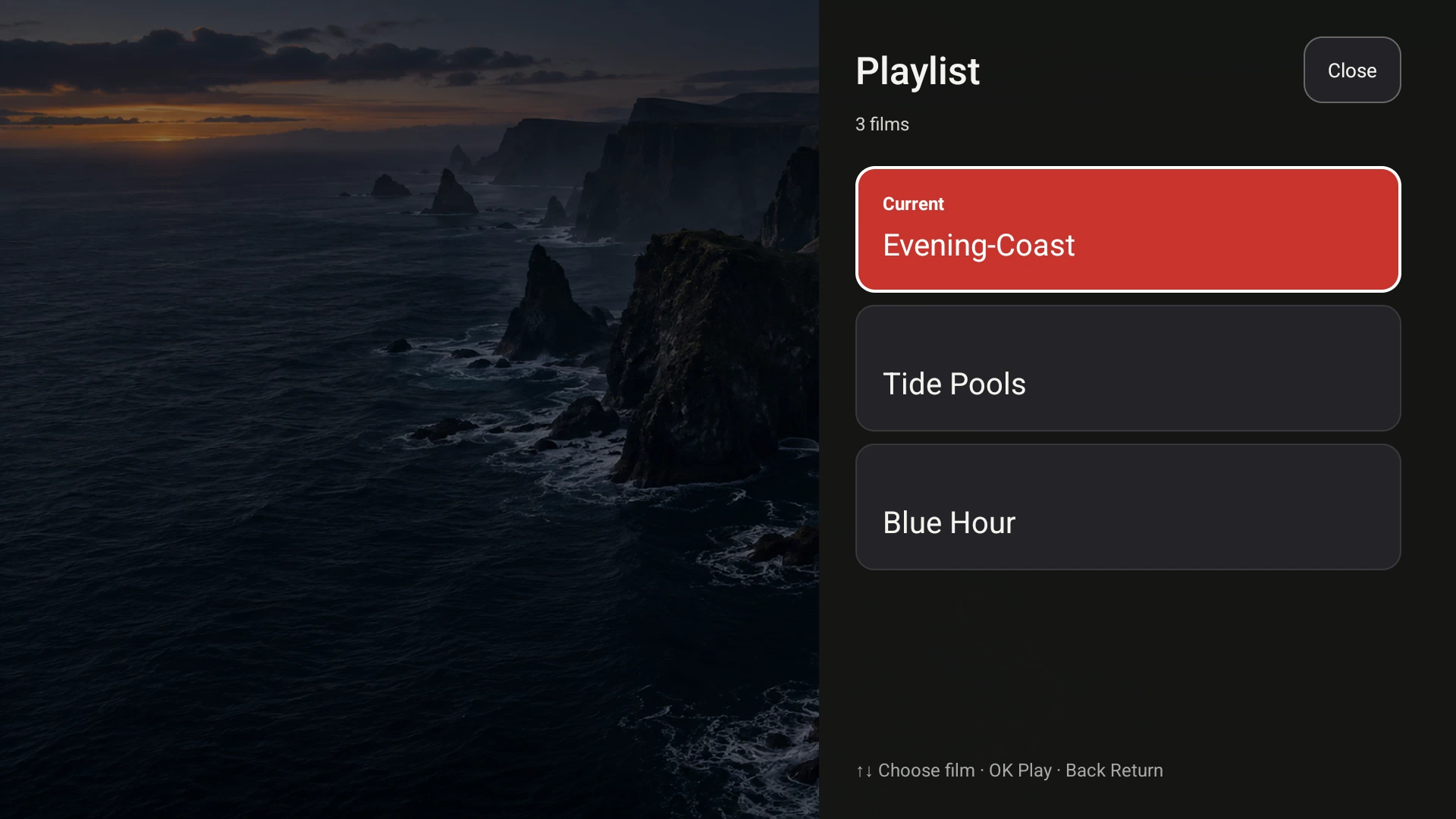
The Google TV receiver, shown with demo videos.
Add and reorder videos on your Mac. The shared playlist lets you choose and play any of them from the TV.
Add SRT or WebVTT files from your movie folder. Choose a subtitle track on your Mac or switch it with the TV remote.
See the whole picture with Fit, or crop the edges with Fill. Both preserve the original proportions of your video.
Play your local video and audio files, with built-in decoding for supported soundtracks. See all supported file types.
LOCAL STREAMING
Your videos and subtitles stream over your local network. They aren’t uploaded to Fast TV servers. Keep your Mac awake and connected while you watch.
ONE-TIME PURCHASE
Download the Mac app for free. A one-time licence unlocks streaming on up to two Macs. Pair with the Google TV receiver and watch without a monthly subscription.
Check device requirements
One payment. Up to two Macs.
Taxes and local currency pricing shown at checkout.
Not satisfied? Full refund within 14 days of purchase.
GUIDES
Short, tested answers for getting a video from your Mac onto the TV.
 Setup
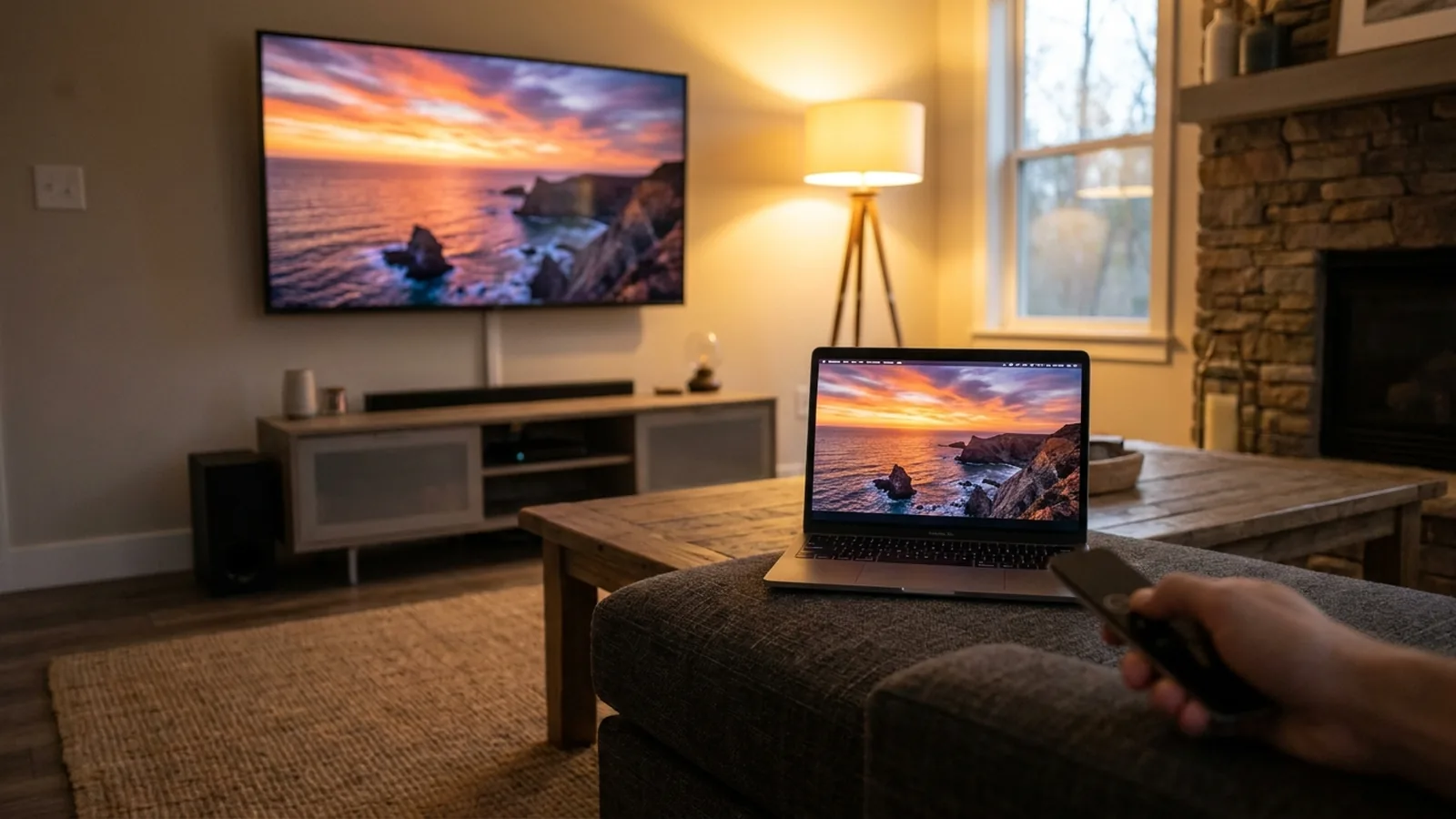
SetupOpen Fast TV on both devices, add a file on the Mac and choose your TV. The file stays on your Mac.
Read the guide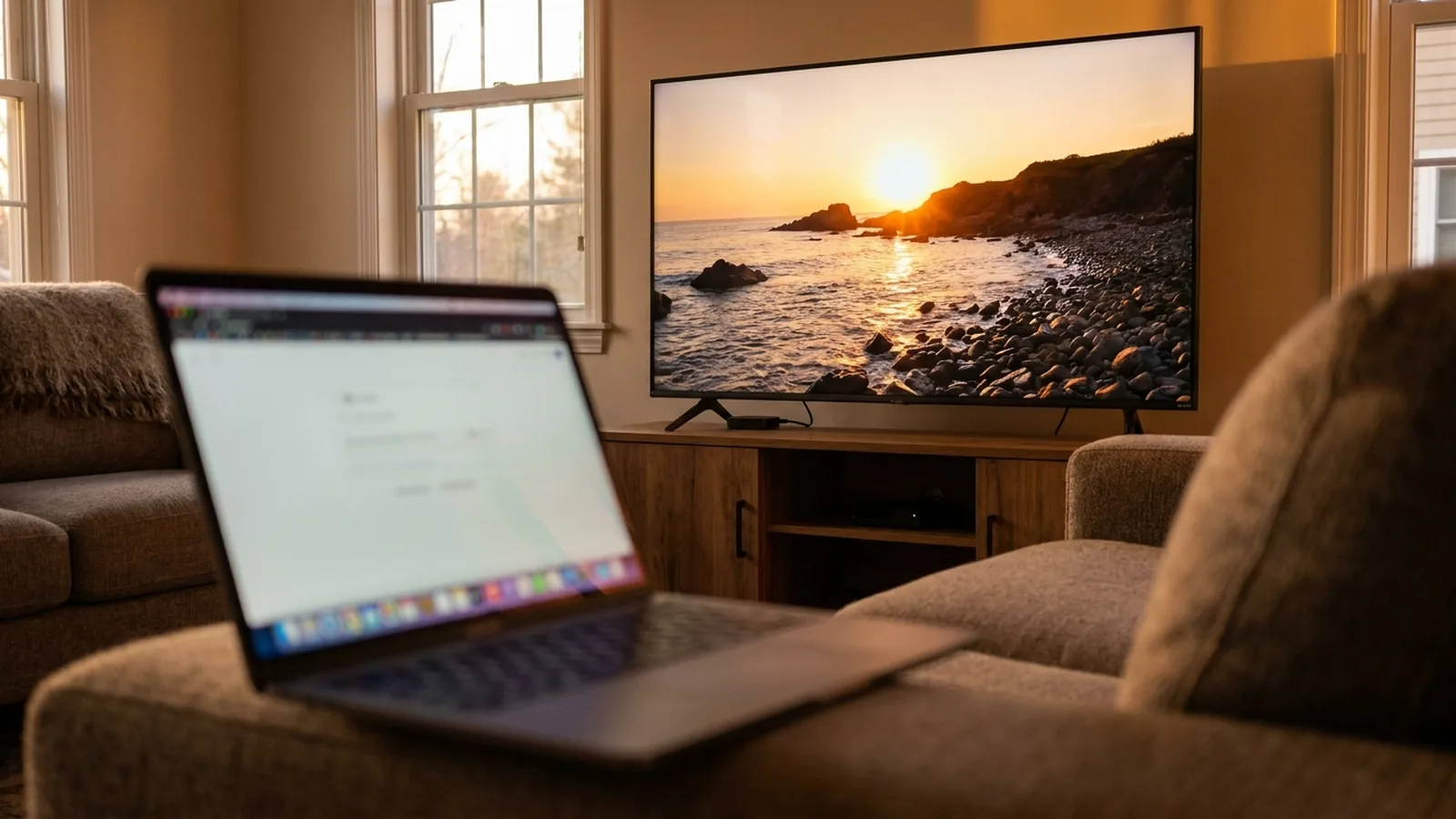 Google Cast
Google Cast works with nothing installed on the TV. Choose the TV in Fast TV, press Play on TV, and the playlist plays as a Cast queue.
Read the guide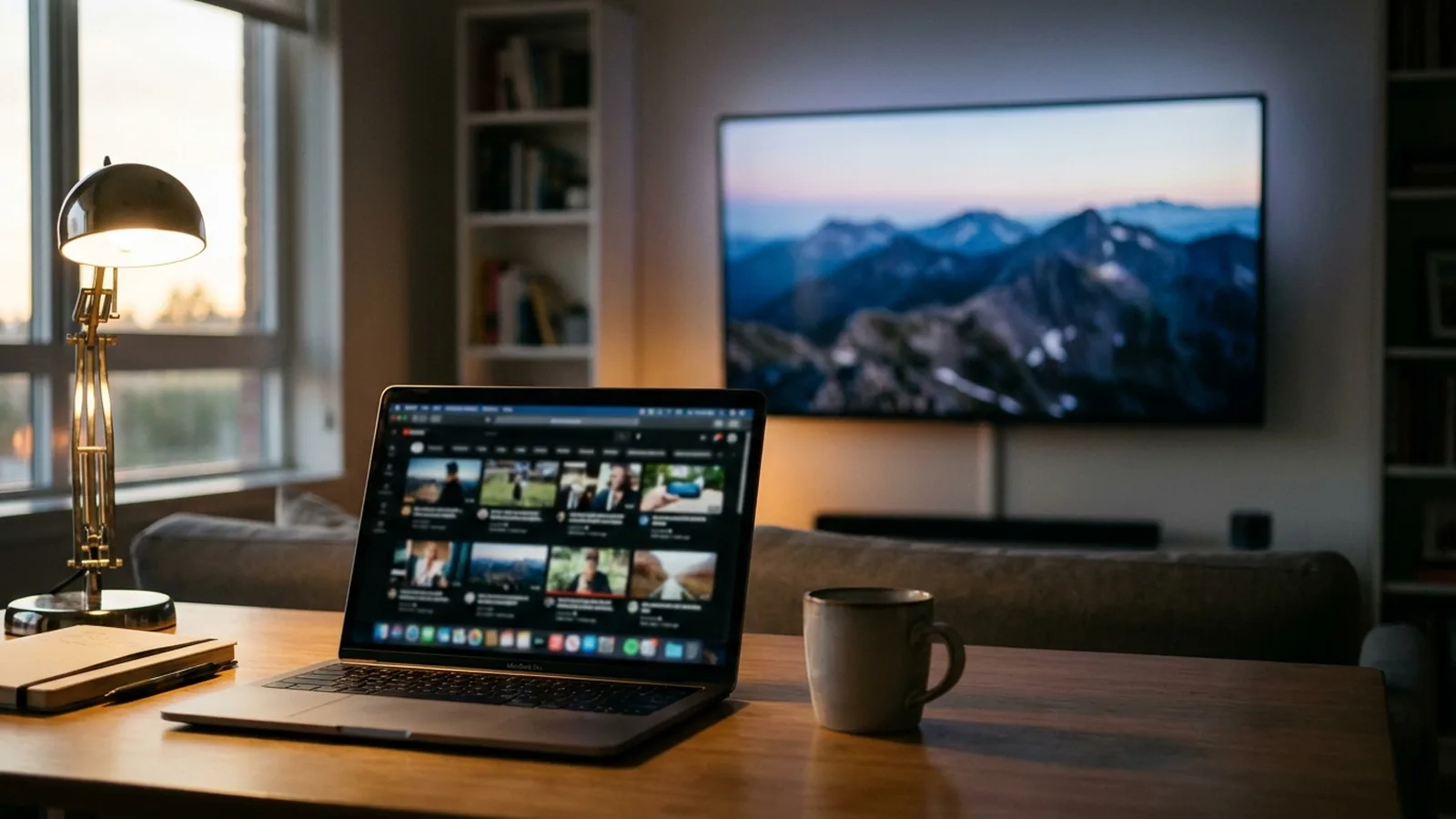 Setup
SetupGoogle TV uses Google Cast, not AirPlay. Fast TV streams your video files over the home network without mirroring your screen.
Read the guide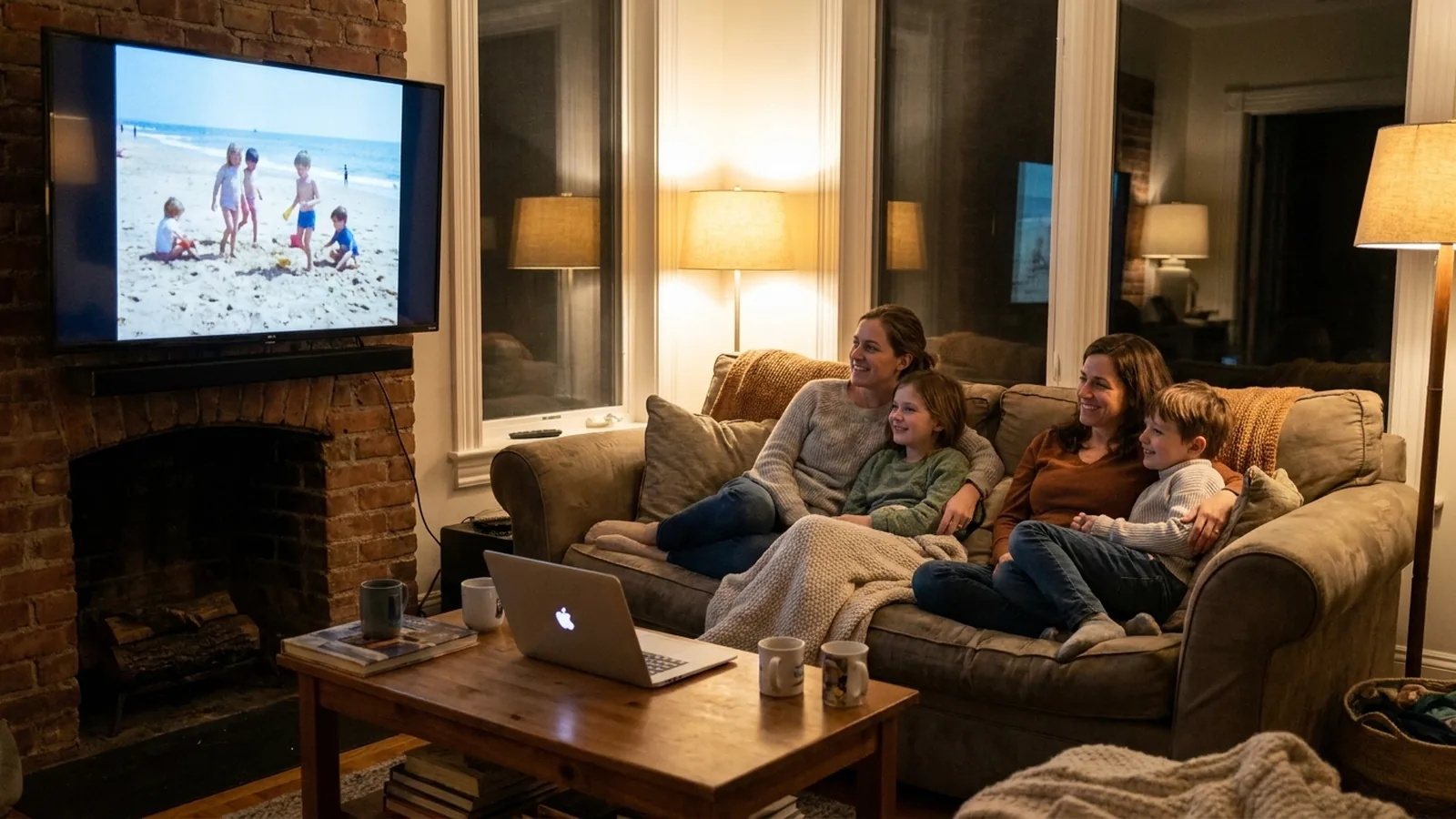 Home videos
Export the unmodified originals from Photos, add them to Fast TV, and play them on the TV. HEVC .MOV files from an iPhone play on current Google TV devices.
Read the guide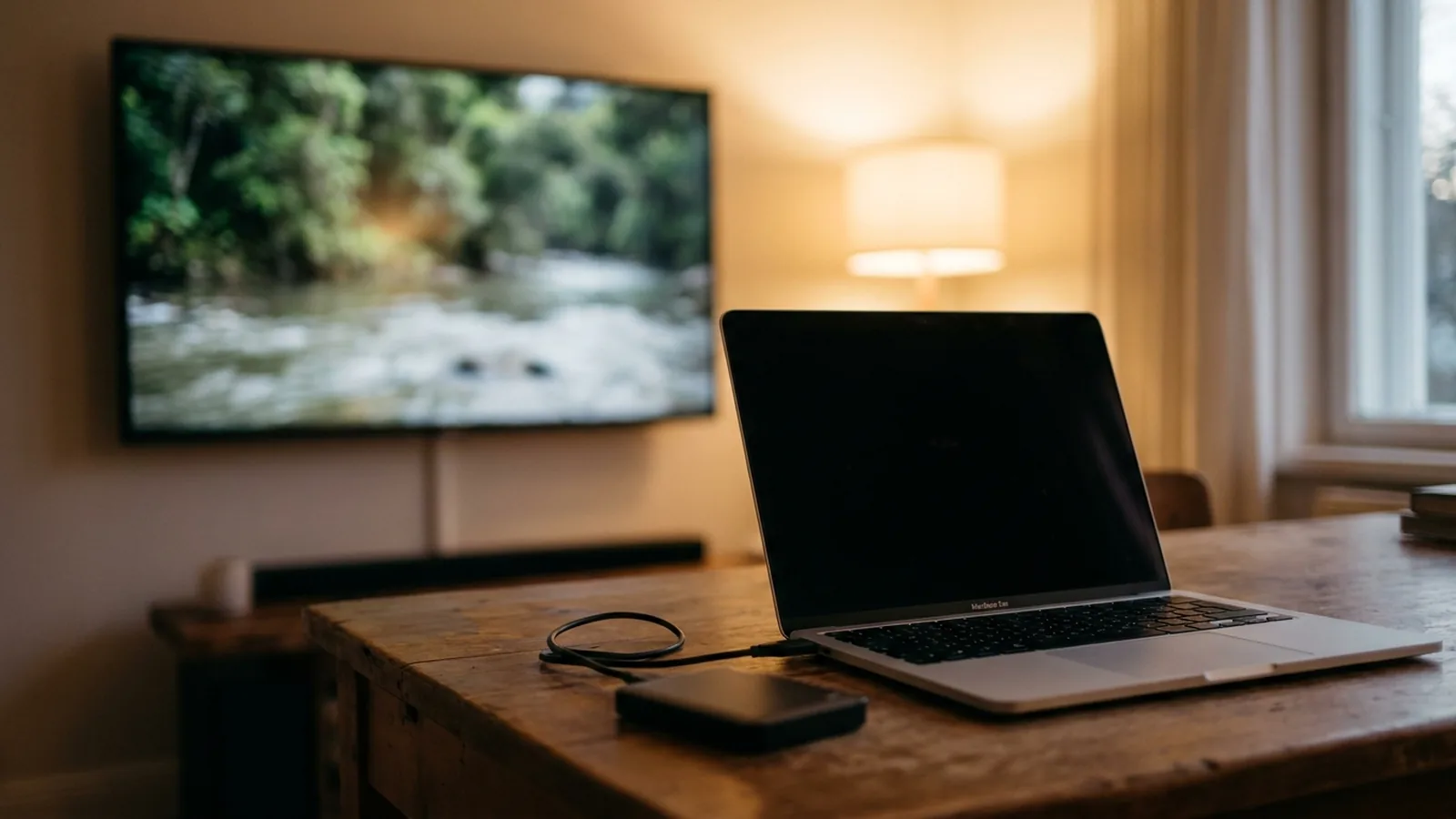 Files
FilesKeep the drive on the Mac and Fast TV streams from it; no reformatting to exFAT, no media server. Watch out for sleeping disks and slow shares.
Read the guide Sound
SoundThe TV cannot decode the audio codec inside the file. Fast TV decodes supported soundtracks on the TV and prepares a compatible track for the rest.
Read the guideGOOD TO KNOW
You need a Mac with Apple silicon running macOS 13 or later, and a Google TV or Android TV device running Android 7 or later. Install Fast TV on both, connect them to the same local network, and keep your Mac awake while watching.
Video: MP4, M4V, MOV, MKV, WebM, AVI, MPEG, MPG, TS and M2TS. Audio: MP3, M4A, AAC, FLAC, WAV and OGG. External subtitles: SRT and WebVTT (VTT). Add audio files by dragging them into the playlist. Playback depends on the codecs inside the file and your TV’s capabilities; H.264 or HEVC video with AAC audio is recommended.
Yes. Browse the shared playlist, start another video, pause, seek, and choose available subtitle tracks from the TV. Add or reorder videos on the Mac. You can also add SRT or WebVTT subtitle files from your movie folder.
Fast TV plays your own video files. It does not include movies, live channels, or access to streaming subscriptions. Files protected by DRM are not supported.
A US$19.99 purchase gives you a perpetual Mac licence for up to two Macs, with no subscription. Use the Mac app together with the Google TV receiver. To move an activation, deactivate the old Mac in the app first. Taxes and local currency pricing appear at checkout.
Yes. If Fast TV isn’t right for you, contact support within 14 days of purchase and you’ll receive a full refund. Paddle returns the payment to your original payment method, and the refunded licence stops working at its next online check.
Your videos stream over your local network. Internet access is needed to purchase and activate the Mac licence, and Fast TV confirms it online from time to time. Your Mac and TV still need to be connected to the same local network.