 Fast TV
FAST TV GUIDE
Watch iPhone home videos from the Photos library on Google TV

Videos recorded on an iPhone sit inside the Photos library package on the Mac, so they cannot be dragged straight from Finder. Export them from Photos as unmodified originals to a folder, add that folder’s videos to Fast TV, and play them on the Google TV. Recent iPhone videos are HEVC .MOV files, which current Google TV devices play.
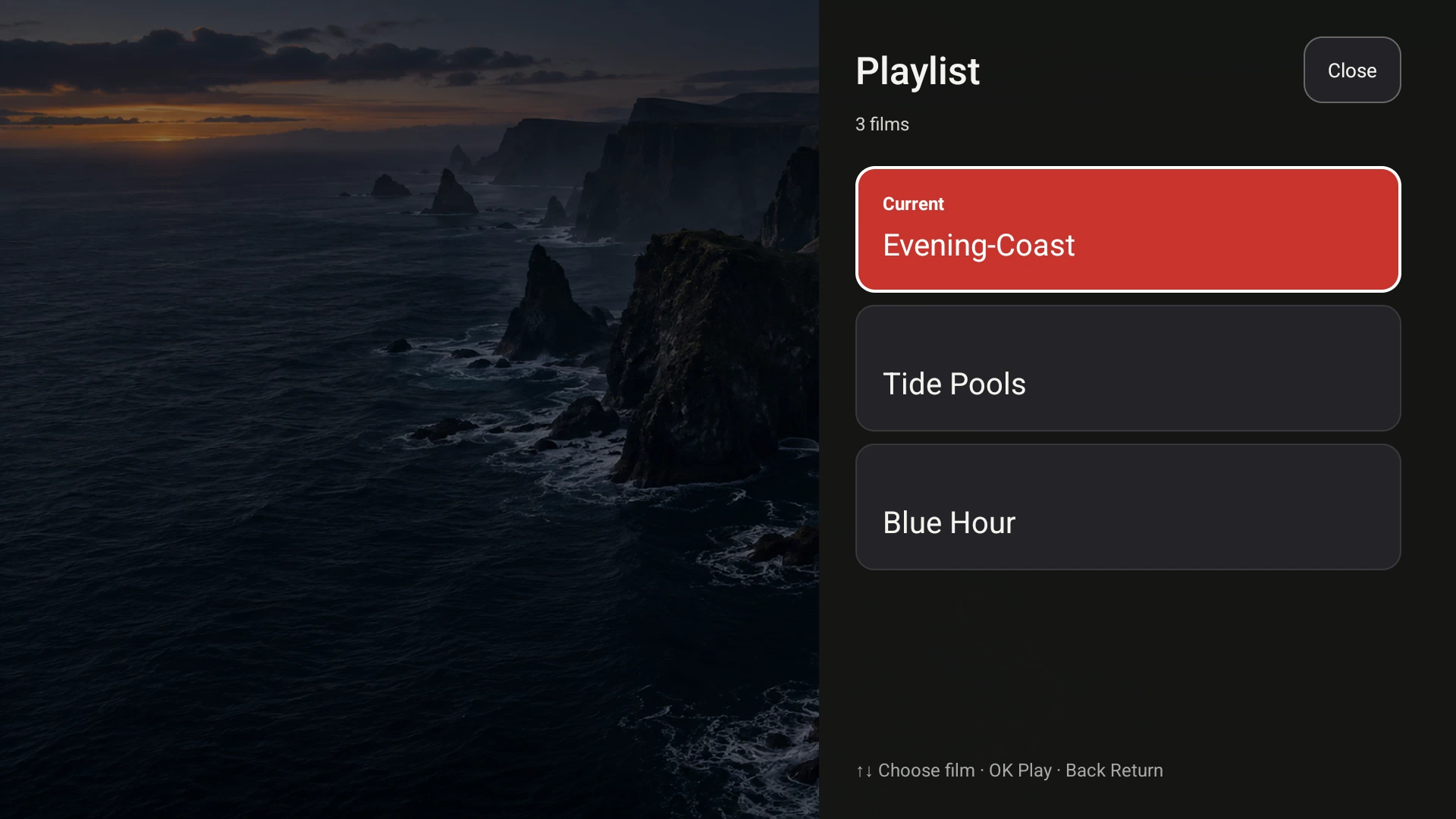
Exported clips appear in the playlist by filename, and the TV can browse them with the remote. Demo videos shown.
Get the videos out of the Photos library
- In Photos on the Mac, select the videos you want to watch.
- Choose File, then Export, then Export Unmodified Original. Pick a folder such as Movies, with a subfolder for the evening.
- Open Fast TV and drag the exported files into the playlist, or use Add videos.
Export Unmodified Original keeps the file exactly as the iPhone recorded it, including its HEVC video and stereo AAC audio. Exporting a converted copy is only necessary for an older TV that cannot decode HEVC. Fast TV references the exported file; the Photos library itself is untouched.
iPhone formats and what plays
- High Efficiency recordings are HEVC in a .MOV container. Current Google TV and Android TV devices decode HEVC, and Fast TV sends the video unchanged.
- Most Compatible recordings are H.264 in .MOV and play everywhere.
- 4K at 60 frames per second and HDR (Dolby Vision) clips depend on the TV’s decoder; if a clip will not play, export it from Photos with the Most Compatible setting instead. What plays on Google TV.
- Audio is normally stereo AAC, so no preparation is needed before playback.
Vertical videos on a widescreen TV
A phone video shot upright appears in the centre of the TV with black bars at the sides. That is Fit video, the mode that keeps the whole frame. Crop to fill enlarges the clip to cover the screen and trims the top and bottom, which can cut off faces. Switch between them from the TV remote. Fit or fill explained.
Make an evening of it
Export a batch of clips into one folder and add them together; they play in playlist order, and the TV’s Playlist control lets anyone with the remote jump to a favourite. Reorder on the Mac by dragging. A playlist holds up to 200 files. Build a playlist.
Without AirPlay or an Apple TV
Most Google TV sets have no AirPlay receiver, so the Photos app’s own AirPlay control does not reach them. Fast TV streams the exported files over the home network instead, with the TV remote for playback. More on AirPlay and Google TV.
Questions
Can Fast TV read the Photos library directly?
No. Photos keeps its media inside a library package. Export the videos you want as unmodified originals, then add the exported files.
Will Live Photos or photos play?
No. Fast TV plays video and audio files. Export a Live Photo’s video component as a .MOV if you want the motion part.
Does exporting reduce quality?
Export Unmodified Original copies the recording exactly. Only a converted export re-encodes the video.
Related guides
Free to download. A one-time US$19.99 licence streams from up to two Macs. Apple silicon with macOS 13 or later, and a Google TV or Android TV on the same local network.