 Fast TV
FAST TV GUIDES
Setup and troubleshooting guides.
Tested steps for streaming local videos from a Mac to Google TV: setup, sound, subtitles, discovery, playlists and picture modes.
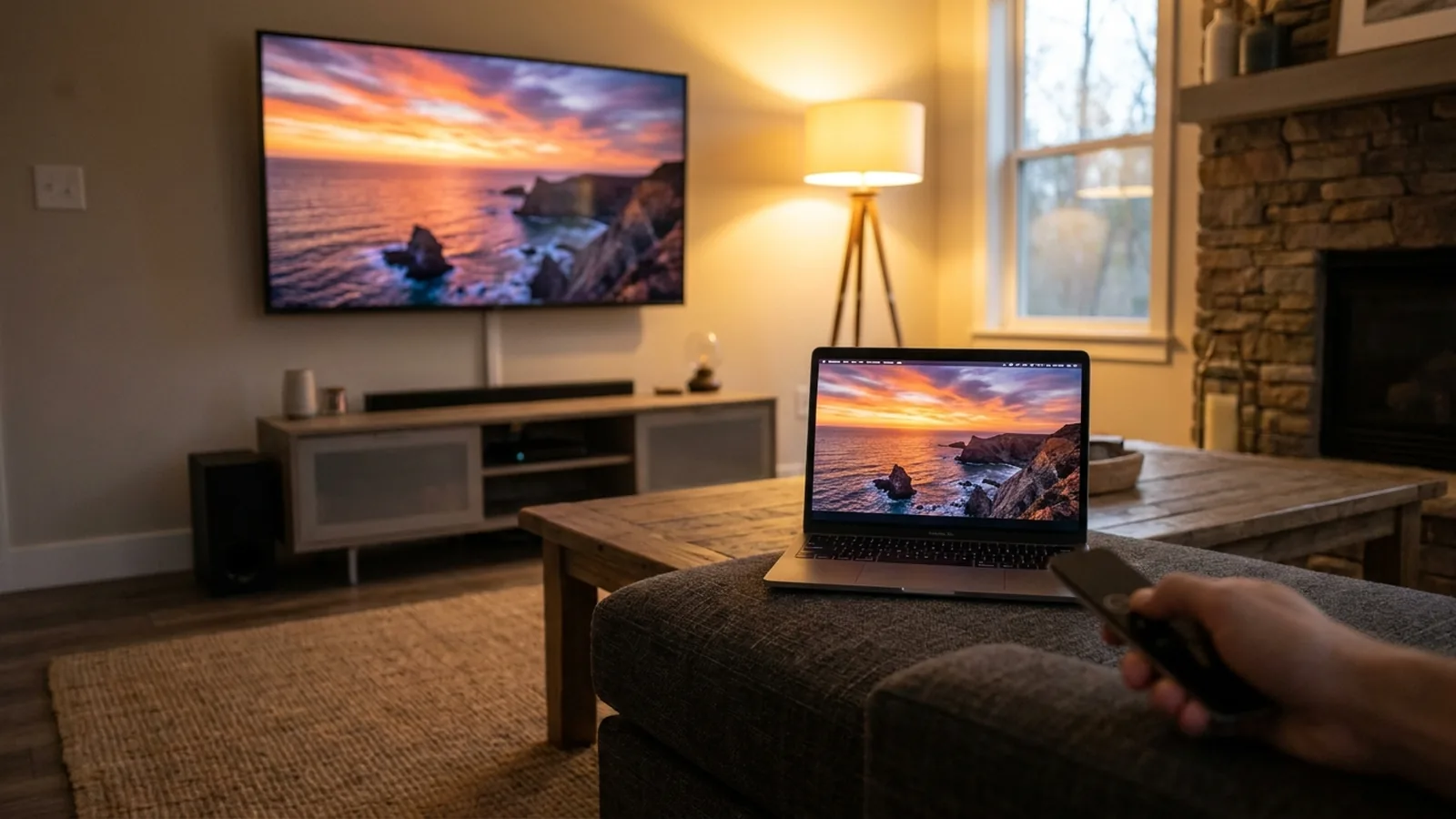 Setup
SetupWatch a local video from your Mac on Google TV
Open Fast TV on both devices, add a file on the Mac and choose your TV. The file stays on your Mac.
Read the guide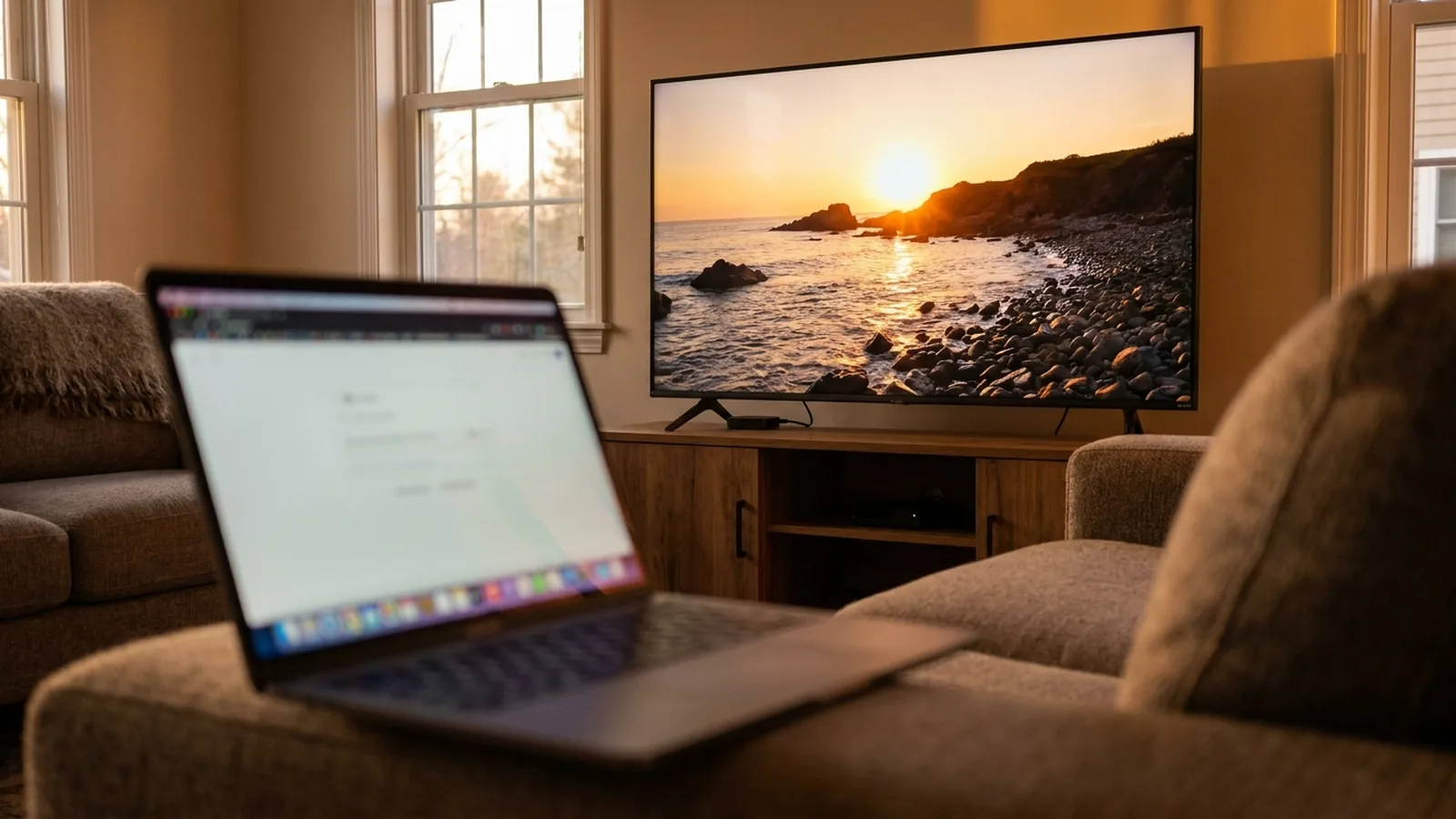 Google Cast
Cast a local video from your Mac to a Google Cast TV
Google Cast works with nothing installed on the TV. Choose the TV in Fast TV, press Play on TV, and the playlist plays as a Cast queue.
Read the guide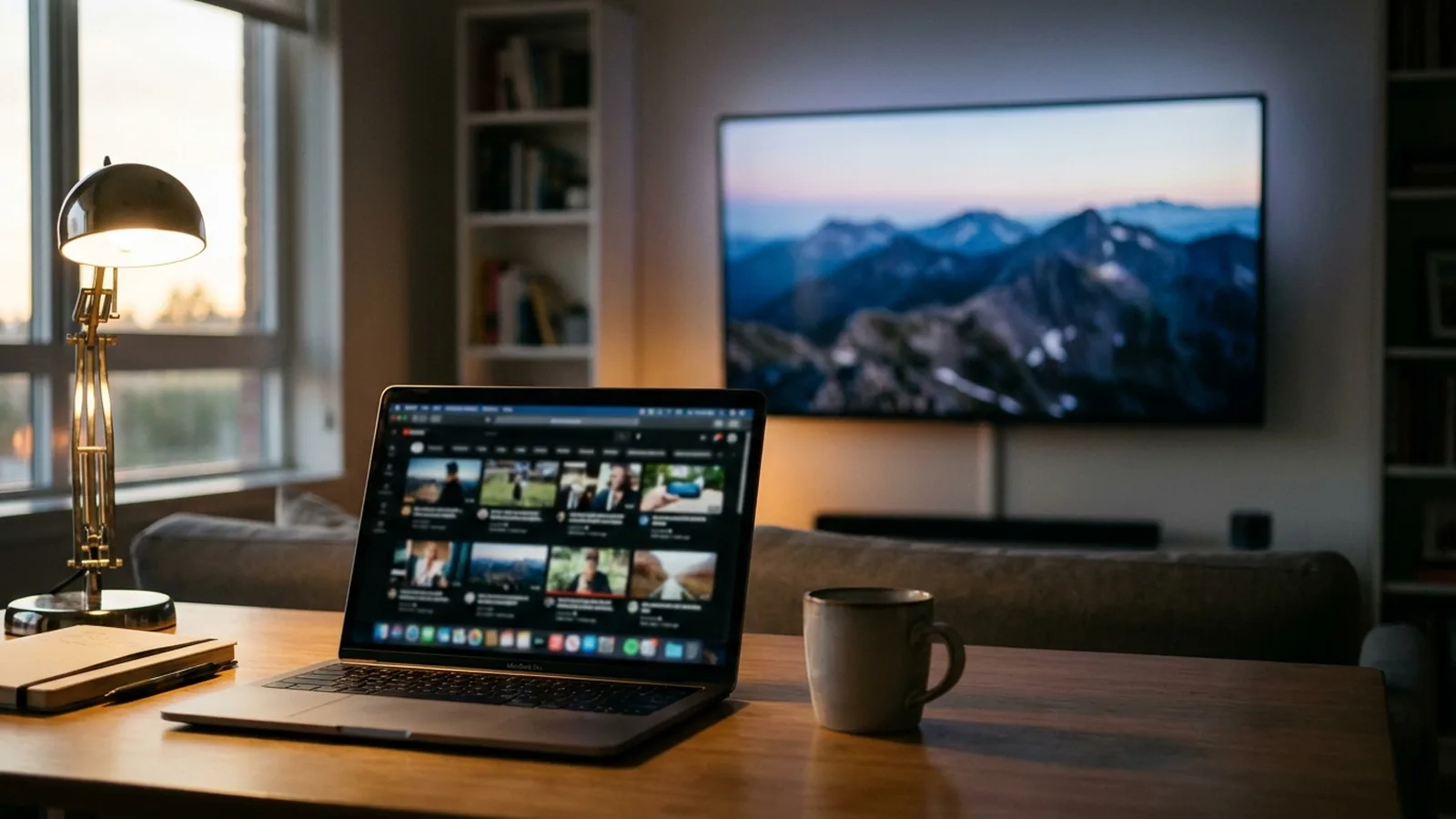 Setup
SetupYour Google TV has no AirPlay. Here is how to watch Mac videos on it
Google TV uses Google Cast, not AirPlay. Fast TV streams your video files over the home network without mirroring your screen.
Read the guide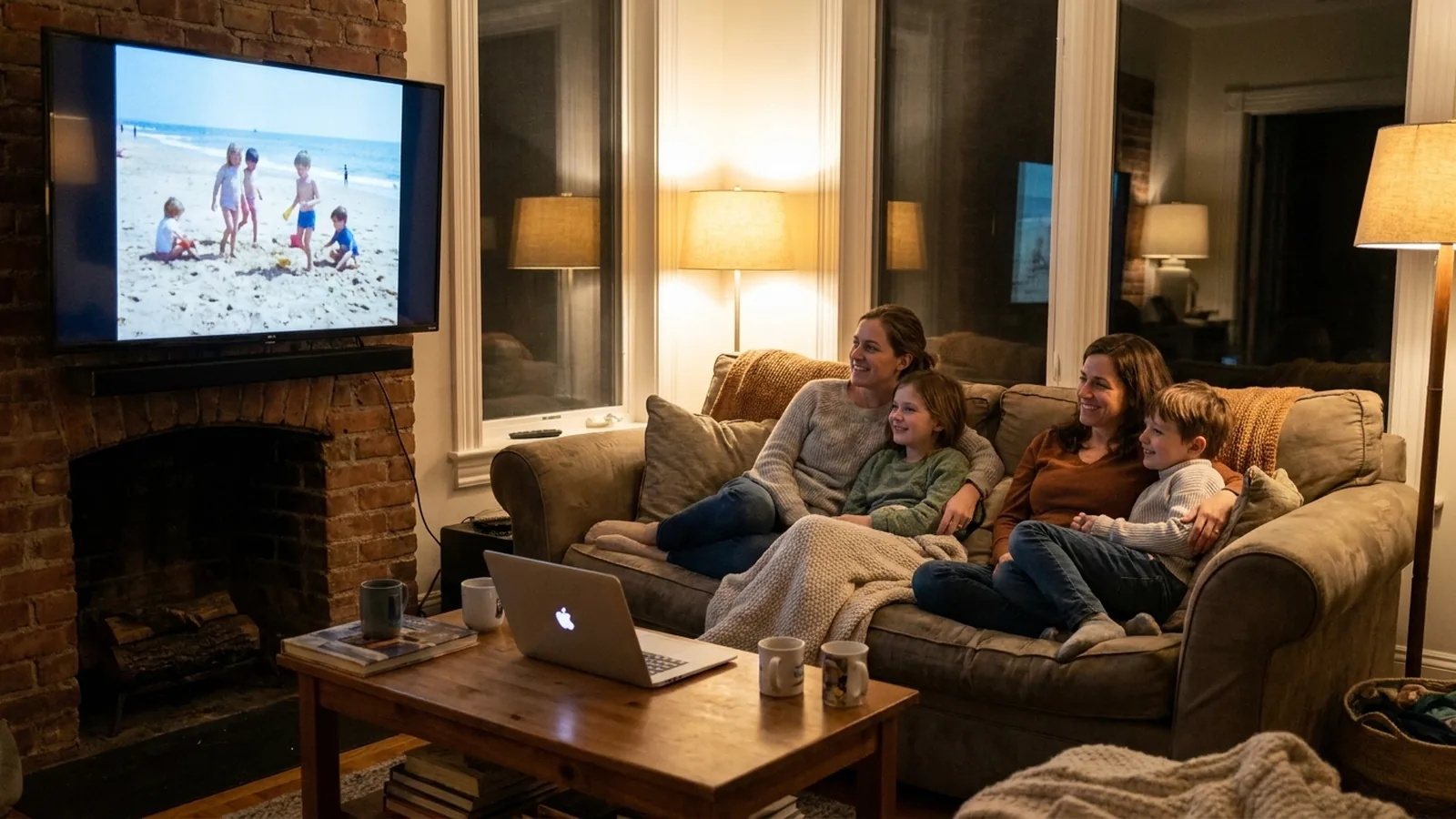 Home videos
Watch iPhone home videos from the Photos library on Google TV
Export the unmodified originals from Photos, add them to Fast TV, and play them on the TV. HEVC .MOV files from an iPhone play on current Google TV devices.
Read the guide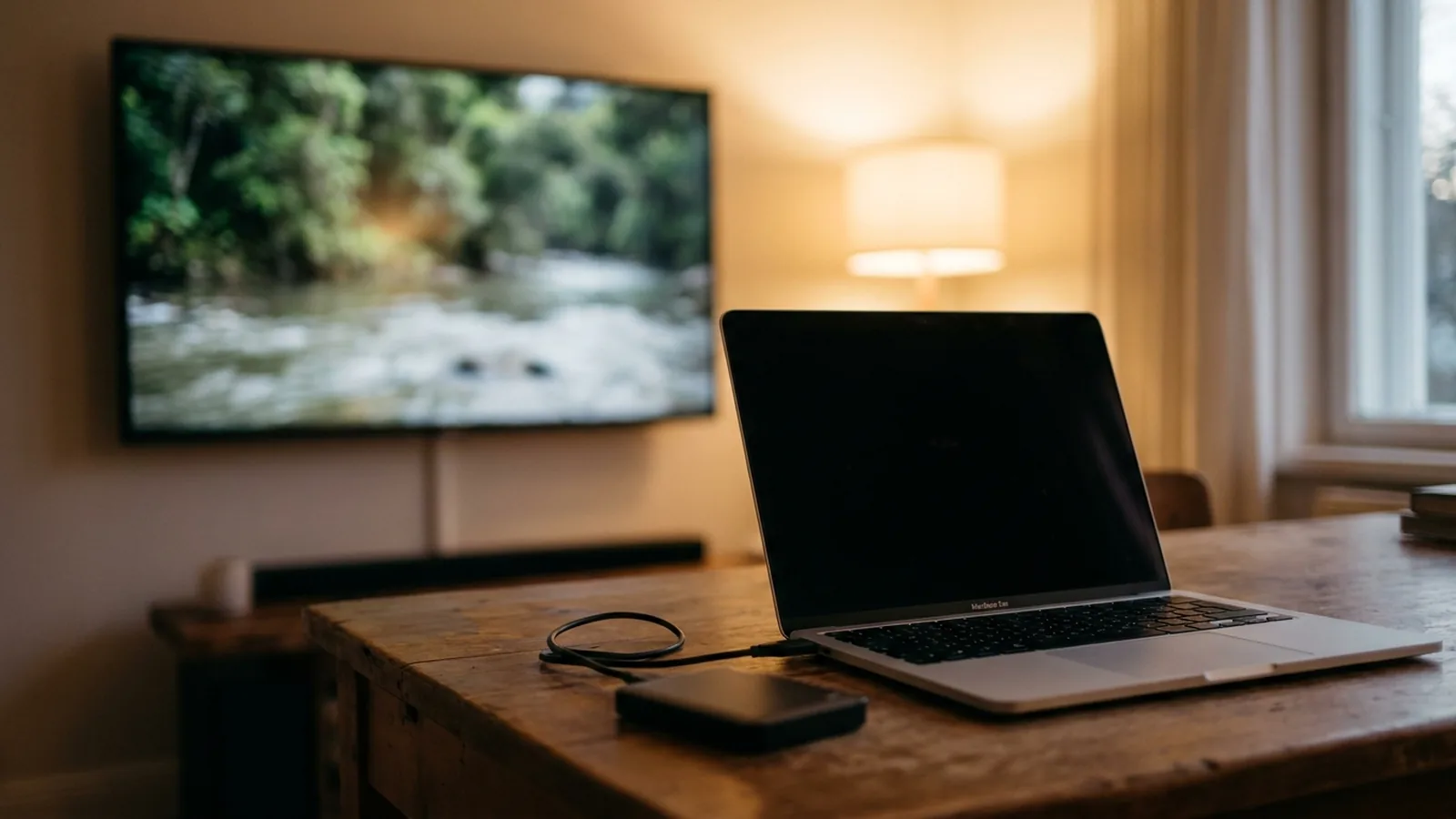 Files
FilesPlay videos from an external drive or NAS on your TV, through the Mac
Keep the drive on the Mac and Fast TV streams from it; no reformatting to exFAT, no media server. Watch out for sleeping disks and slow shares.
Read the guide Sound
SoundAn MKV plays with picture but no sound on Google TV
The TV cannot decode the audio codec inside the file. Fast TV decodes supported soundtracks on the TV and prepares a compatible track for the rest.
Read the guide Sound
SoundDialogue is too quiet and the action is too loud on the TV
Any stereo playback of a 5.1 film lowers the centre channel. Fast TV keeps the soundtrack playing; the TV’s dialogue mode or a normalised stereo track restores the balance.
Read the guide Sound
SoundAudio is out of sync when casting from your Mac to the TV
Tab and desktop casting re-encode the picture live and drift. Fast TV plays both tracks of the original file on the TV, so they stay in step.
Read the guide Formats
Will a 4K HEVC or 10-bit video play on Google TV?
Fast TV streams H.264 and HEVC video without re-encoding, so the TV’s decoder decides. Most failures come from the level, tier or audio track.
Read the guide Subtitles
Add external subtitles to a local video on Google TV
Put an SRT or WebVTT file beside the video, pick it on the Mac or with the CC control on the TV.
Read the guide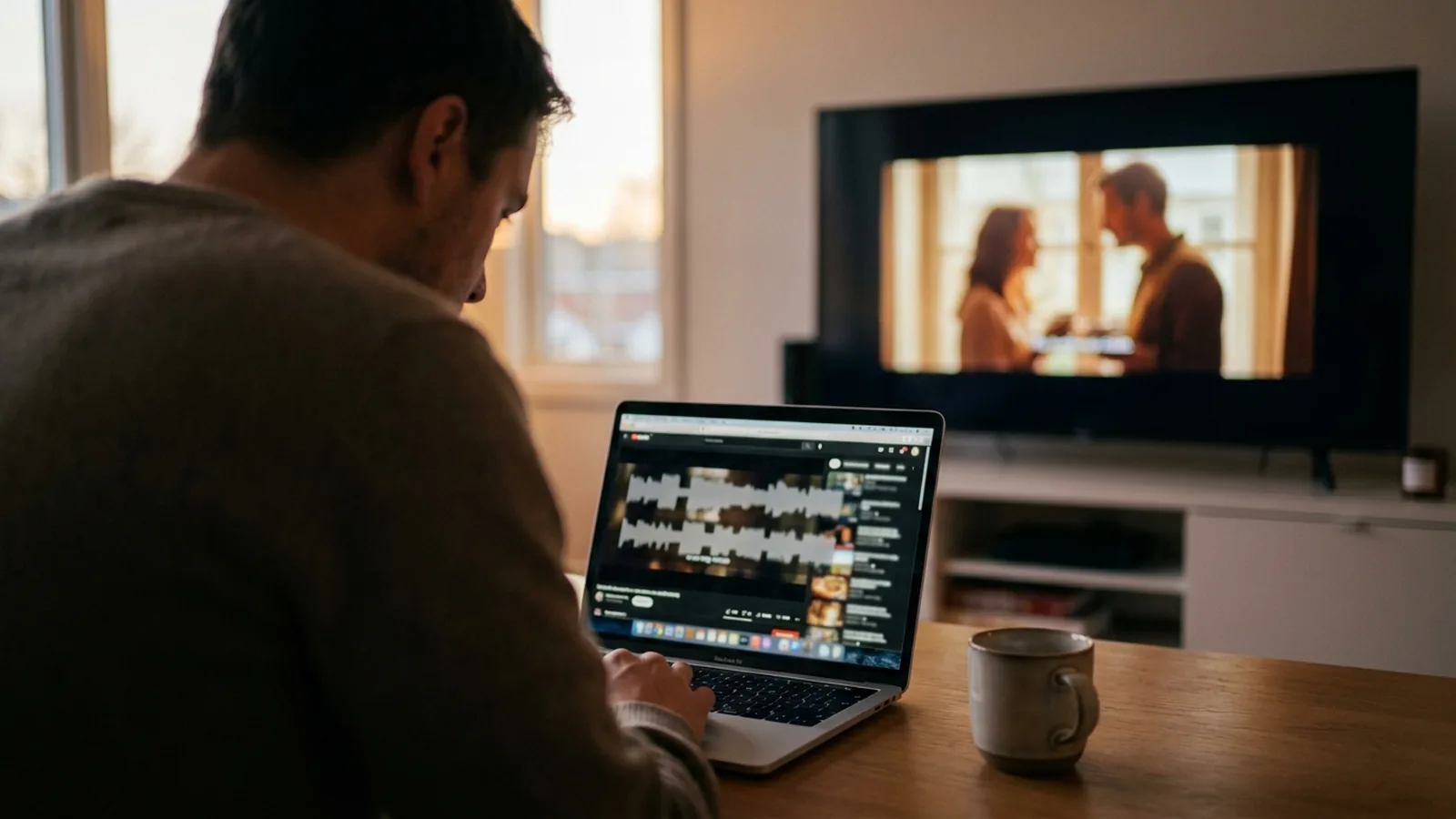 Subtitles
Subtitles appear early or late on the TV
Fast TV shows the subtitle file as it is timed. Measure the offset, shift the file on the Mac, then refresh subtitles in Fast TV.
Read the guide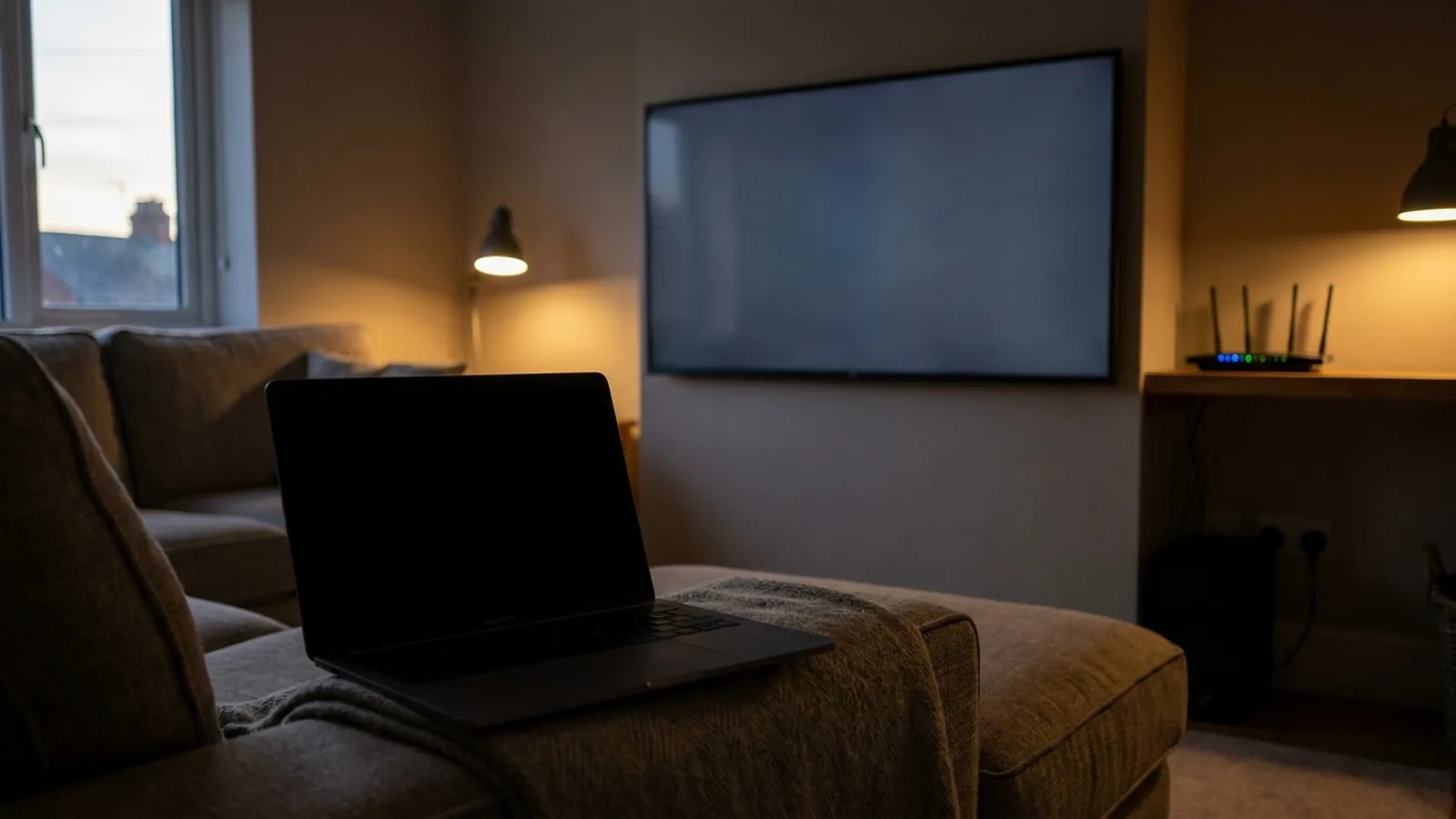 Troubleshooting
Your Google TV does not appear in Fast TV on the Mac
Open the receiver on the TV, confirm both devices share one local network, then check Mac permissions and VPNs.
Read the guide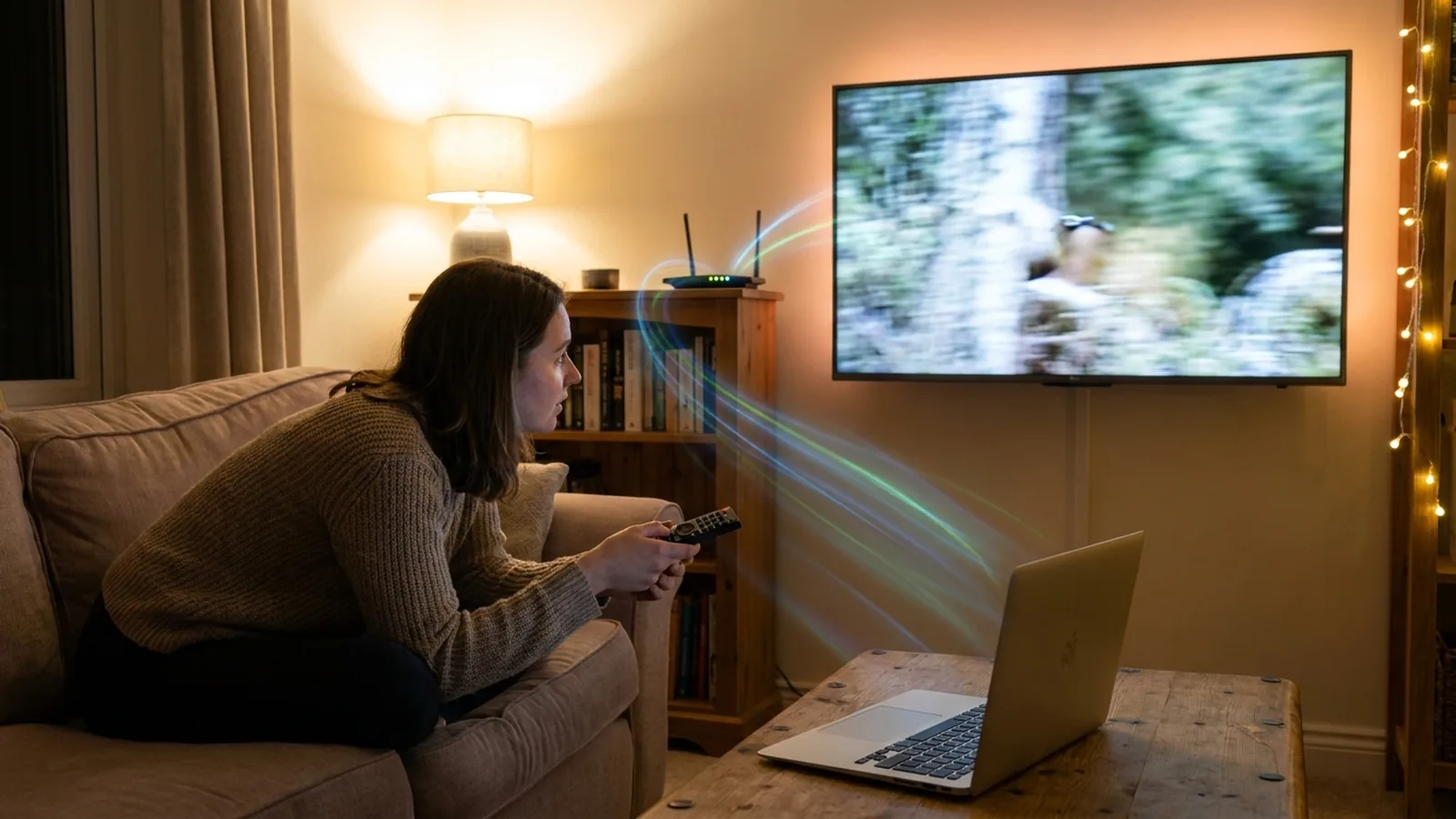 Streaming
Video stutters or keeps buffering when streaming from your Mac to the TV
Stutter comes from tab casting and live transcoding. Fast TV sends the original file straight from your Mac over the home network instead.
Read the guide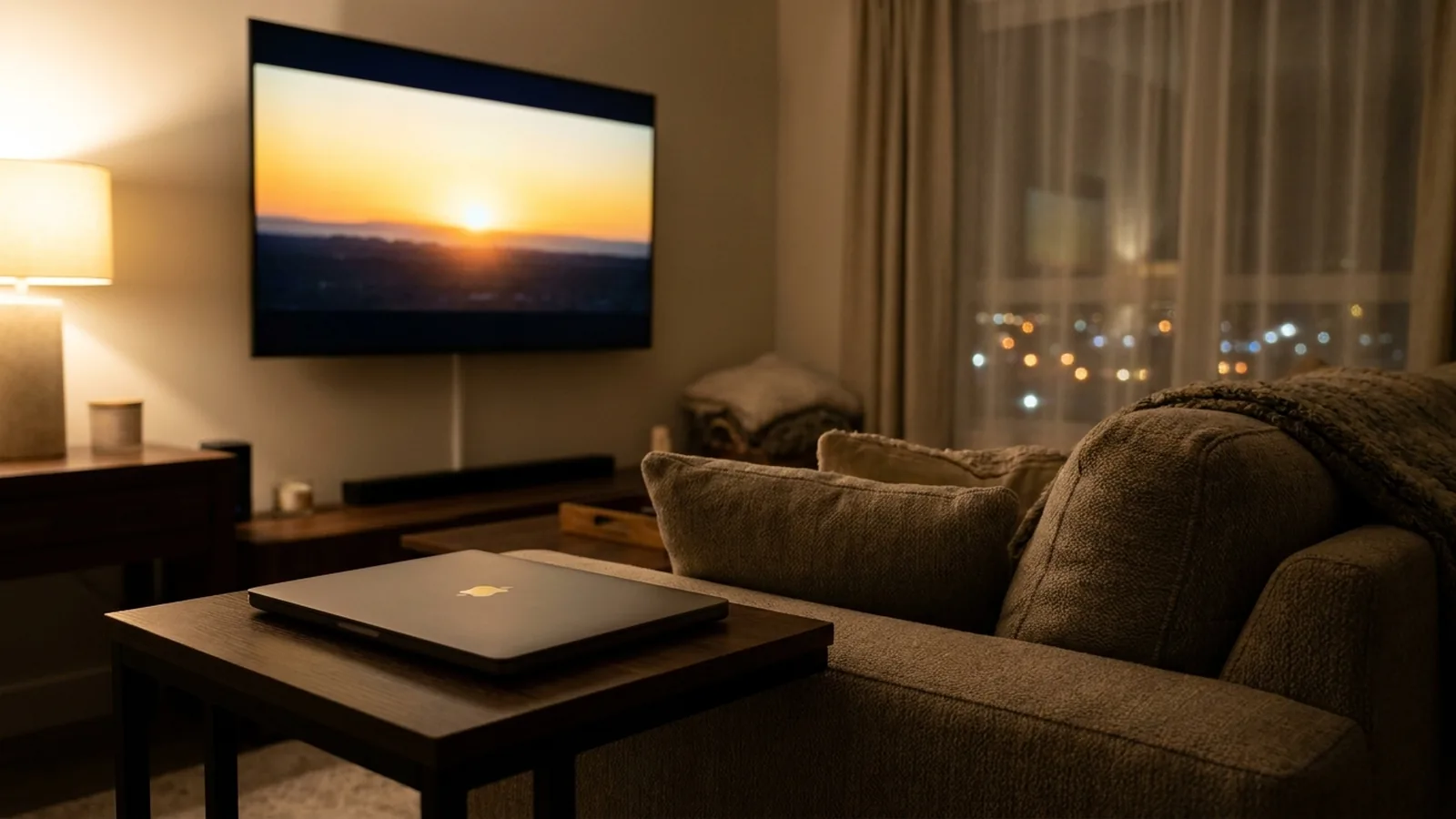 Mac
MacKeep your Mac awake, or close the lid, while streaming to the TV
Fast TV holds off sleep only while a video is playing, connecting or being prepared. Closed-lid playback is optional and battery-aware.
Read the guide Playlists
Build a local video playlist for your TV
Add your videos on the Mac, arrange them, and browse the same list from the TV. The playlist refers to your files.
Read the guide Picture
Fit or fill the picture without stretching it
Fit video shows the whole frame with bars; Crop to fill covers the screen by trimming the edges. Neither stretches the image.
Read the guide
Free to download. A one-time US$19.99 licence streams from up to two Macs. Apple silicon with macOS 13 or later, and a Google TV or Android TV on the same local network.