 Fast TV
FAST TV GUIDE
Audio is out of sync when casting from your Mac to the TV
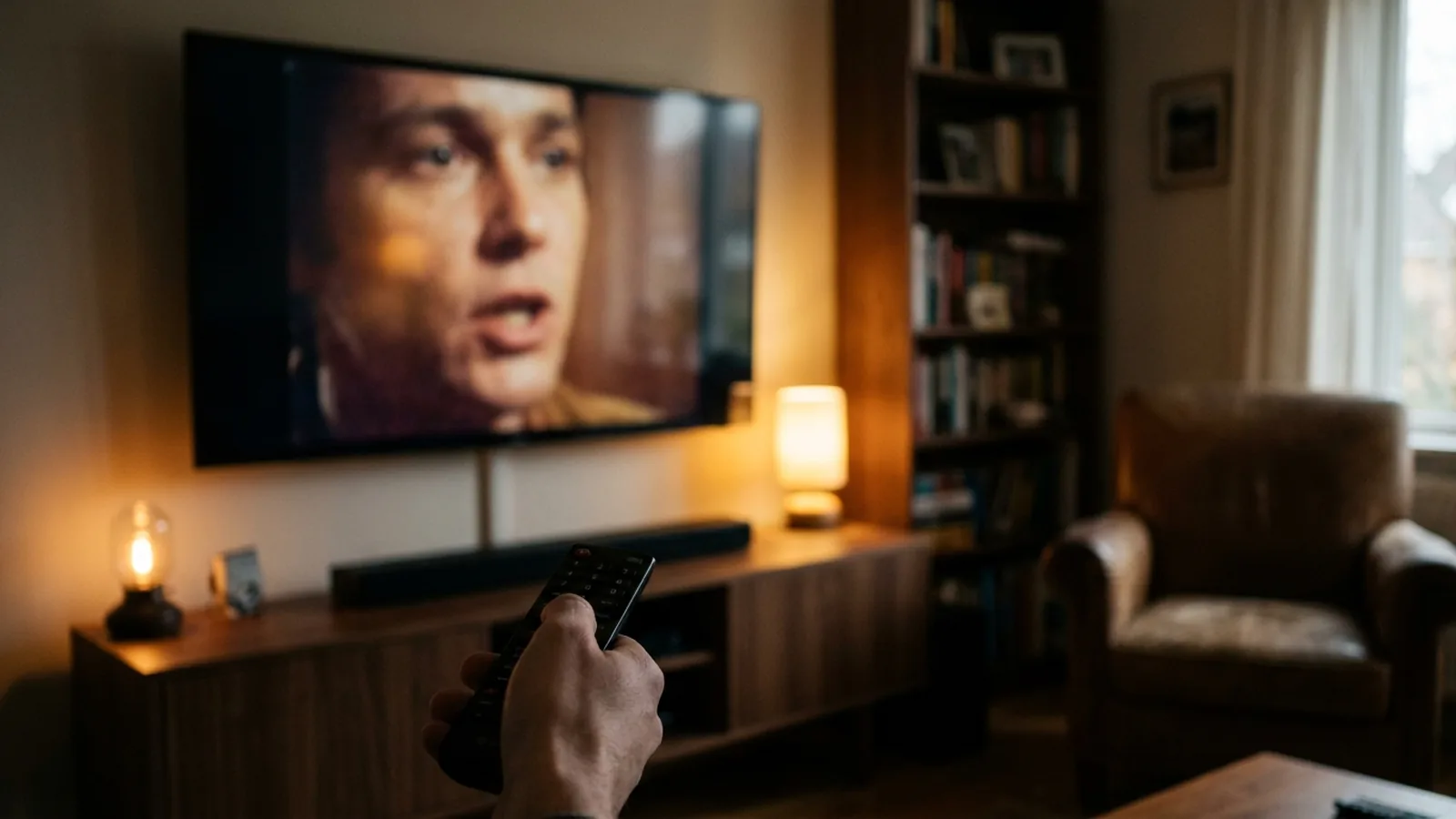
Voices drifting away from lips is a familiar problem when a Mac casts a browser tab or its desktop: the picture is captured and re-encoded live while the audio takes a separate path. Fast TV avoids that by sending the original file to the TV, where the receiver plays its video and audio tracks together. Any delay that remains is added by a soundbar, HDMI ARC or the TV’s surround output, and is fixed there.
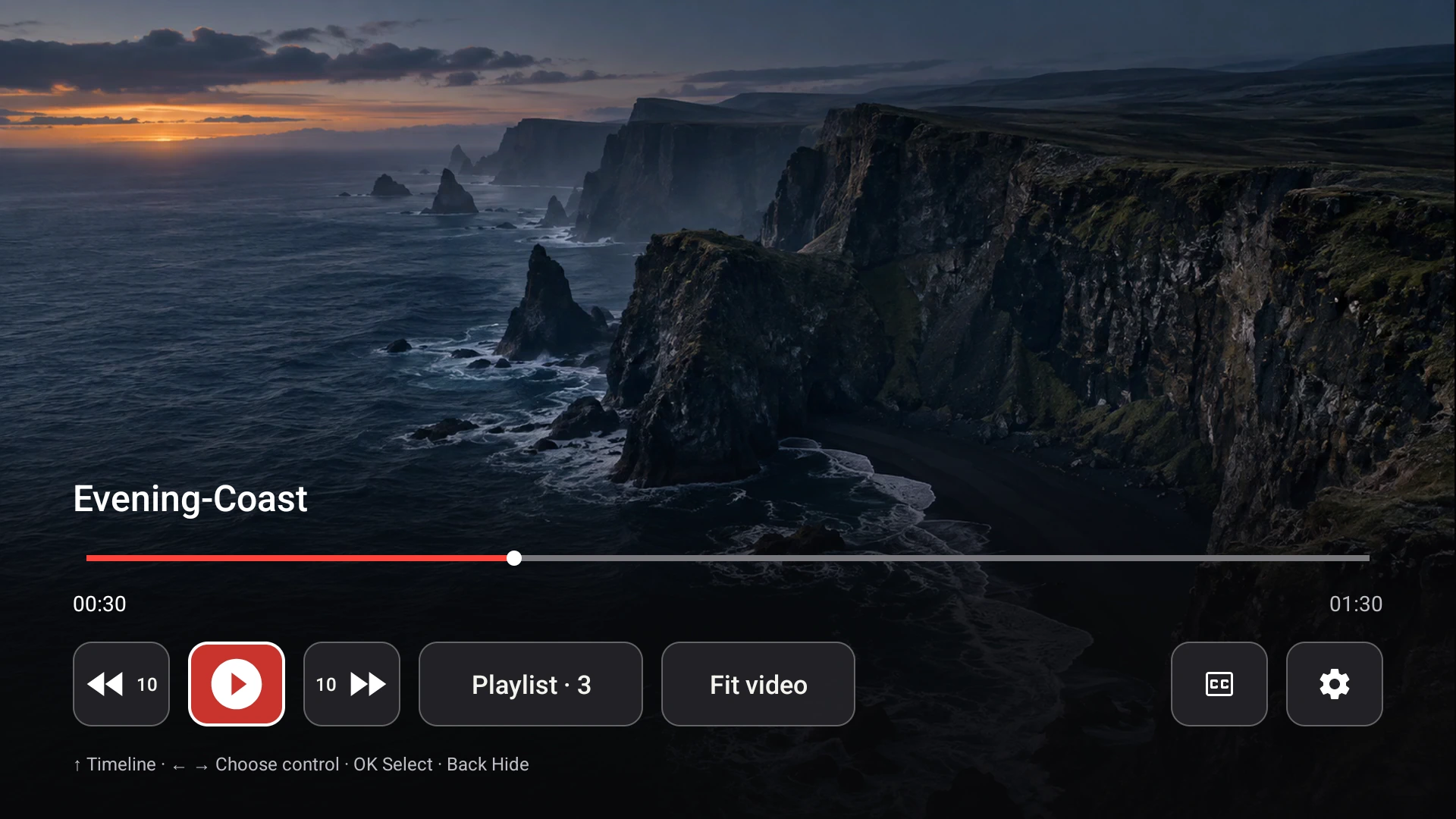
The receiver plays audio and video from the same file; delay is normally added further down the chain. Demo video shown.
Why casting a tab drifts
Google’s own help for casting from Chrome lists audio and video falling out of sync as an expected issue, with the advice to restart the cast, close other apps and move the devices closer. The cause is structural: the Mac captures the screen, compresses it in real time and streams it, while audio is handled separately, so the two move apart whenever the Mac is busy or the network hiccups.
What Fast TV does instead
Fast TV never captures the screen. The TV reads the original file from the Mac and the Fast TV receiver decodes the video and audio tracks from that one file with the TV’s own hardware. Sound and picture come from the same timeline, so there is nothing to drift. With Google Cast the TV’s player does the same with a prepared copy whose audio was aligned on the Mac before playback. Receiver and Cast compared.
Where delay can still come from
- A soundbar or AV receiver: dialogue enhancement, virtual surround and automatic volume add processing time. Use the device’s audio delay or lip-sync setting, or turn those modes off.
- HDMI ARC or eARC between TV and soundbar: the handshake can shift timing, especially after firmware updates. Test with the TV’s own speakers to confirm.
- Surround output on the streaming device: on Chromecast with Google TV, forcing surround output is a known source of delay for stereo sources. Fast TV always delivers stereo, so set the device’s audio output to stereo or automatic.
- A file whose audio is offset in the file itself: it will be out of step in every player, including on the Mac. Fast TV cannot shift audio timing; correct the file once with a video tool.
A quick way to tell them apart
Play the scene through the TV speakers. If sync is right there, the external audio path is adding the delay. If the TV speakers are also out of step and a desktop player on the Mac shows the same offset, the file is the cause. A subtitle that is late while the sound is fine is a different problem. Fix subtitle timing.
Questions
Does Fast TV have an audio delay setting?
No. Sound and picture are played from the same file, so no offset is needed. Delay added by a soundbar or AV receiver is adjusted on that device.
Does Google Cast add delay compared with the receiver?
Cast uses the TV’s standard player with a small buffer. Both play audio and video together; if a soundbar is in the chain the same delay applies to either.
Does pausing and resuming help?
With tab casting it often does, briefly. With Fast TV there is nothing to resynchronise; if a pause changes anything, the cause is the TV’s audio processing.
Related guides
Free to download. A one-time US$19.99 licence streams from up to two Macs. Apple silicon with macOS 13 or later, and a Google TV or Android TV on the same local network.