 Fast TV
FAST TV GUIDE
Dialogue is too quiet and the action is too loud on the TV
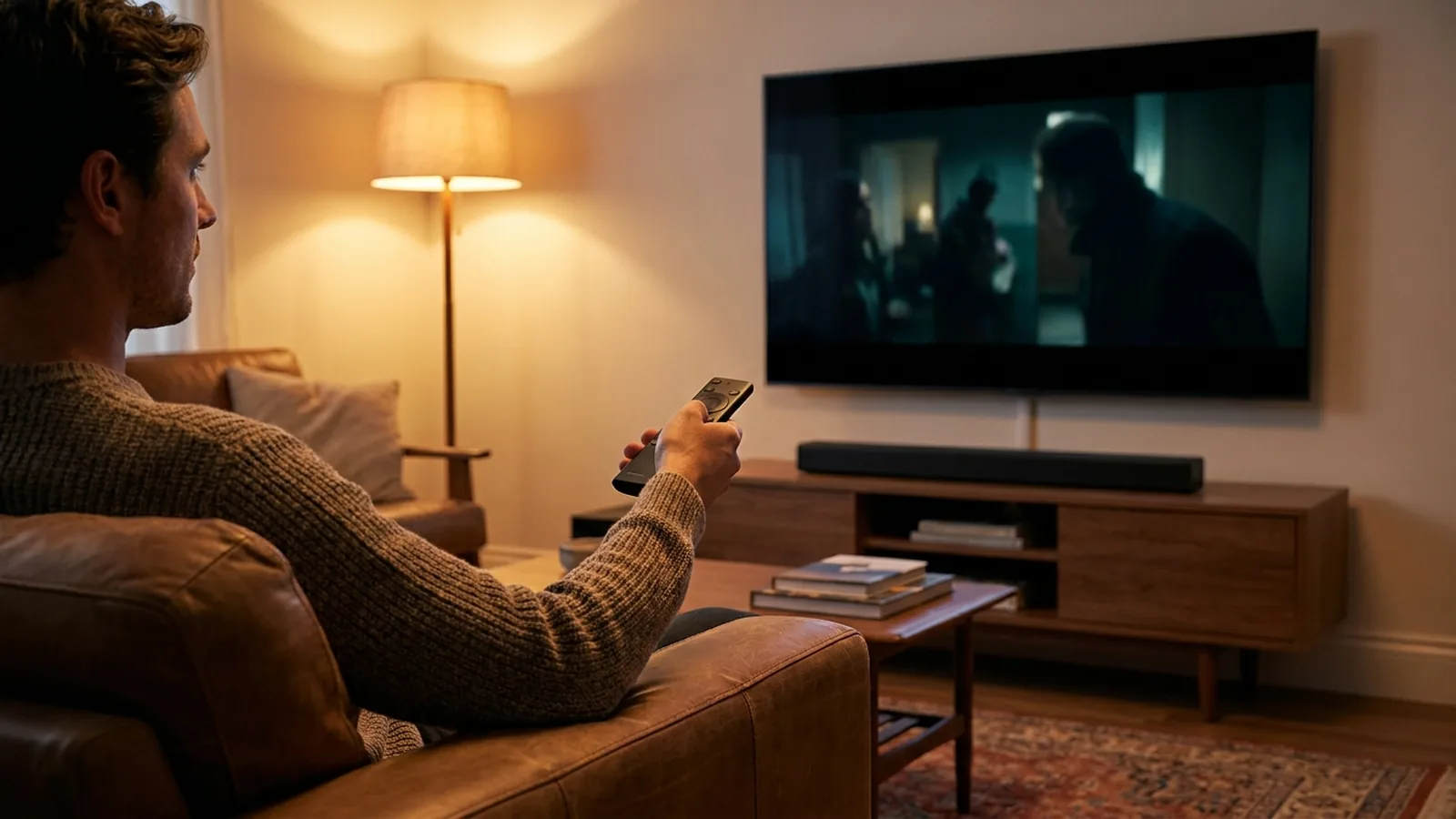
If dialogue is hard to hear while music and effects are loud, the film carries a surround soundtrack that is being folded into two channels, which is what every TV speaker setup does. Fast TV makes sure the soundtrack plays at all by decoding it on the TV or preparing a compatible stereo track. Restoring the balance is then a matter of the TV’s dialogue or night mode, or a normalised stereo version of the file made once on the Mac.
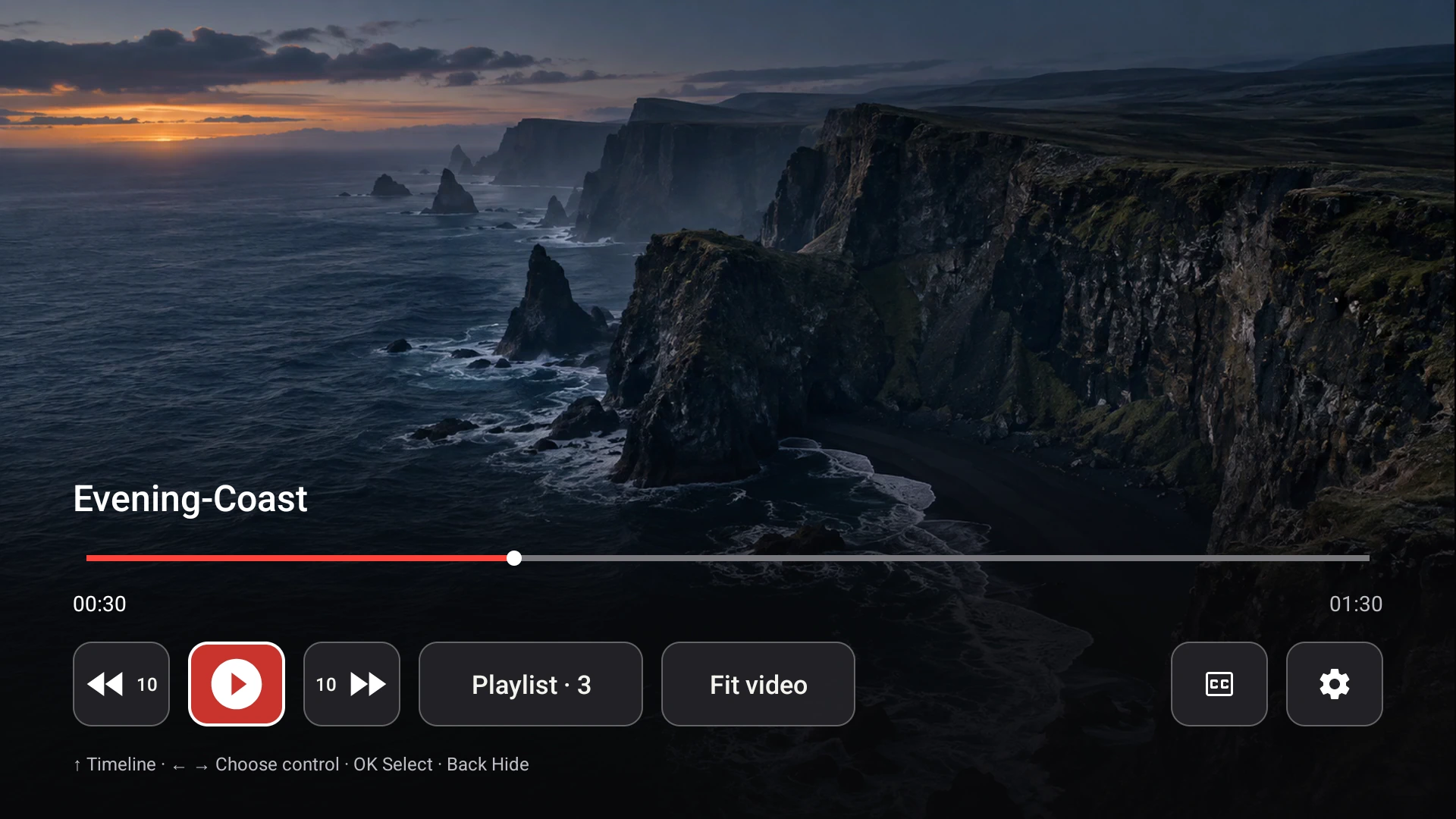
The receiver decodes the soundtrack on the TV and mixes surround audio to stereo. Demo video shown.
Why a surround mix sounds quiet in stereo
A 5.1 soundtrack keeps voices in a centre channel and spreads effects across the others. To play it through two speakers, the decoder folds everything into left and right. To avoid distortion when loud channels combine, the centre is lowered by a few decibels before it is added, and the whole mix is often left at a safe, lower level. The result is a film that feels quiet overall with dialogue sitting under the music.
What Fast TV does with surround audio
The Fast TV receiver streams MP4 and MKV files directly and decodes supported soundtracks, including Dolby Digital Plus, on the TV, so a surround film plays at all where a TV’s own player would stay silent. MKV with no sound. The mix to stereo happens on the TV; for Google Cast, the Mac prepares a stereo AAC track before playback. Fast TV does not pass surround through to a soundbar or AV receiver and has no dialogue boost of its own; the balance is adjusted on the TV or in the file.
Quick fixes on the TV
- Turn on the TV’s dialogue enhancement, clear voice or night mode. These lift the centre of the mix or compress the range so quiet speech and loud effects sit closer together. The name varies by manufacturer.
- Pick a sound mode such as Standard or Movie rather than a music or surround-emulation mode, which can push voices further back.
- If the TV feeds a soundbar, check the soundbar’s own dialogue or centre-level setting.
The durable fix: a normalised stereo track
If one film is always quiet, make a stereo version of it once on the Mac. A video tool that can copy the video unchanged while mixing the audio to two channels and applying loudness normalisation gives you a file whose dialogue sits at a normal level on any player. Add the new file to the playlist in place of the original. Fast TV does not include a converter and never alters your original files.
When it is not a downmix problem
- Every video is quiet, not just films with surround sound: check the TV volume, the output device and whether a soundbar is switched on.
- Picture but no sound at all: the audio codec is the issue, not the level. MKV with no sound.
- Sound and picture are out of step: that is a timing problem. Audio out of sync.
Questions
Can Fast TV send 5.1 surround to my soundbar?
No. Surround soundtracks are mixed to stereo for the TV. Fast TV does not pass through Dolby Digital, DTS or other multichannel formats.
Is there a volume boost in Fast TV?
No. The Mac’s volume control adjusts the level sent to the TV, but there is no dialogue boost or loudness setting. Use the TV’s sound modes or a normalised stereo file.
Why is a film loud in VLC on the Mac but quiet on the TV?
Desktop players apply their own downmix and gain settings, which can hide the drop. The TV plays the stereo it receives without that compensation.
Related guides
Free to download. A one-time US$19.99 licence streams from up to two Macs. Apple silicon with macOS 13 or later, and a Google TV or Android TV on the same local network.