 Fast TV
FAST TV GUIDE
Video stutters or keeps buffering when streaming from your Mac to the TV
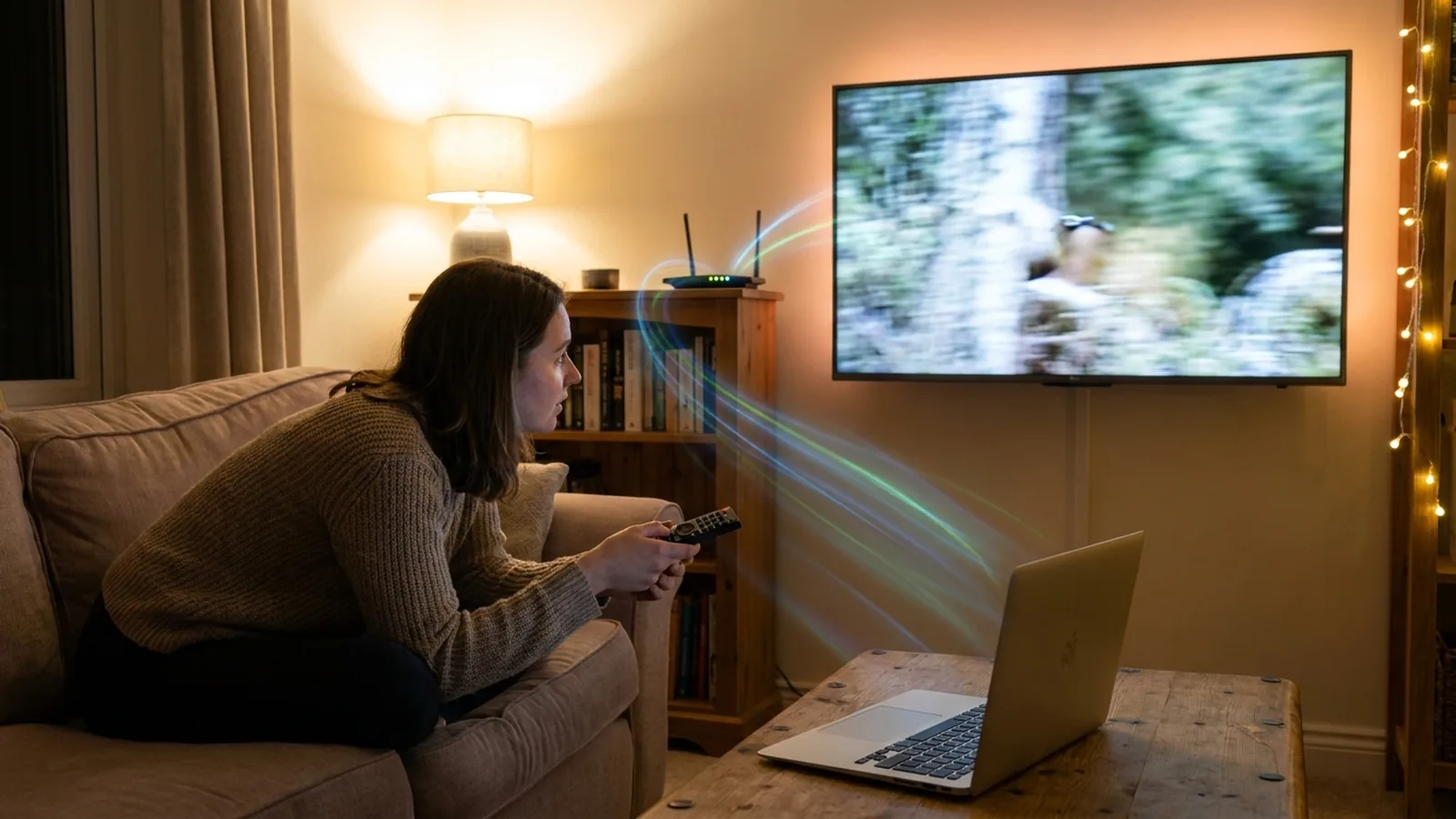
Stuttering and buffering usually come from how a video reaches the TV, not from the video itself: a mirrored browser tab is re-encoded live, and a media server transcodes on the fly. Fast TV does neither. The TV fetches the original file from your Mac over the home network, the way it would read a local file, so playback is as smooth as the file and your Wi-Fi allow.
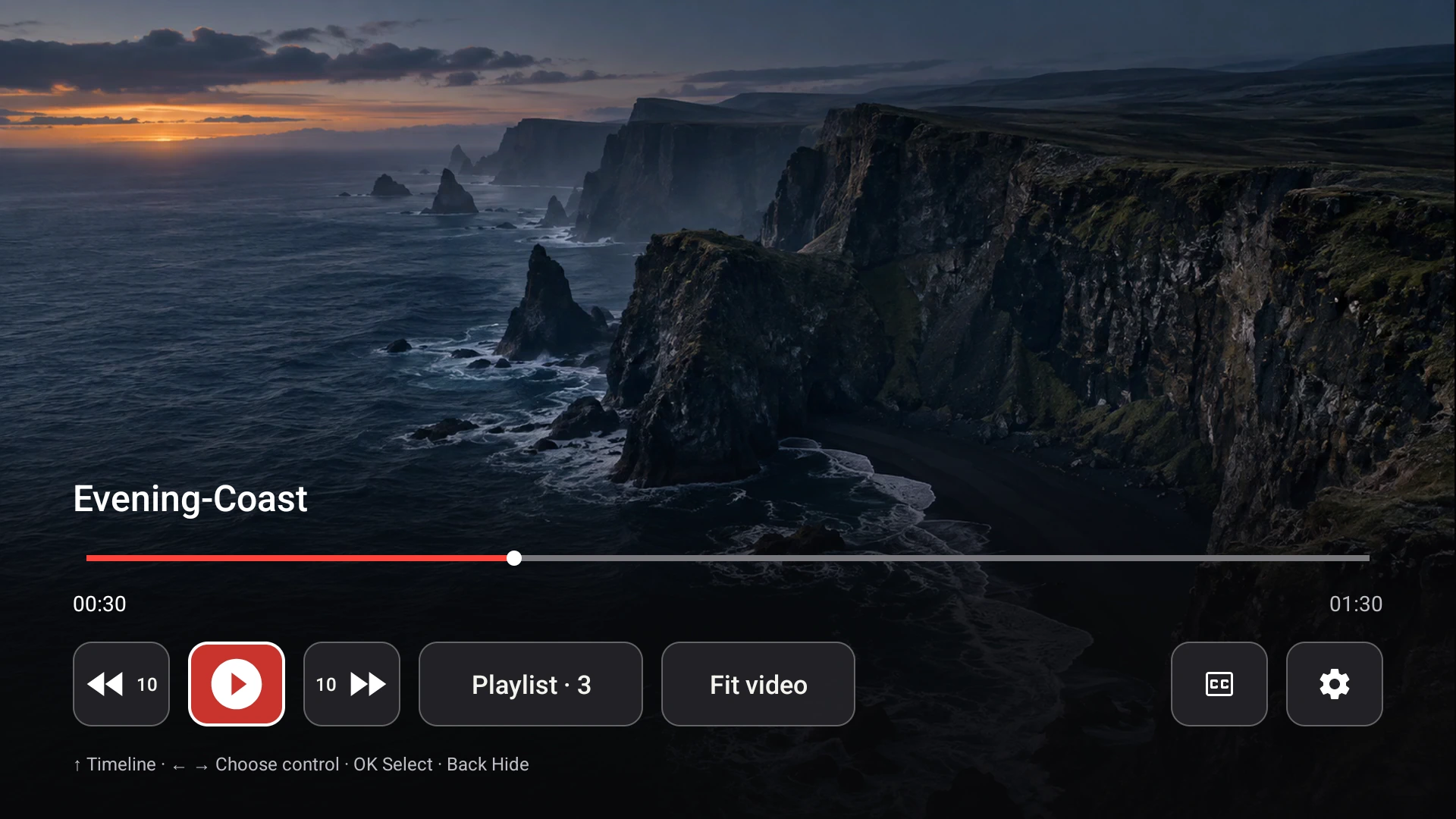
The receiver plays the file directly from the Mac. Demo video shown.
What makes other methods stutter
- Casting a Chrome tab or the desktop captures the screen, compresses it in real time and sends a second-hand picture. Frames drop whenever the Mac is busy.
- Media servers such as Plex or Jellyfin transcode anything the TV app does not like, which costs CPU and a live encode that can fall behind.
- Playing from a drive plugged into the TV depends on the TV’s own player and USB port, and Mac-formatted drives often will not mount at all.
- Anything that goes through the internet, such as a cloud library, depends on your upload and download speeds.
What Fast TV does instead
The Mac app serves each video over plain HTTP with range support, the same mechanism a browser uses to seek inside a file. The Fast TV receiver on the TV requests the original bytes and decodes them with the TV’s own hardware. Nothing is re-encoded for supported MP4 and MKV files, nothing leaves your home network, and the Mac does no heavy work while a video plays. Seeking and skipping with the remote are immediate because the TV asks for exactly the part of the file it needs.
Audio is the one thing Fast TV may prepare: when a soundtrack is outside what the TV can decode, a compatible stereo track is made on the Mac before playback starts, with progress shown. That happens up front, never during playback. How Fast TV handles audio.
4K and high-bitrate files
Because the video track is sent unchanged, a 4K HEVC file plays at its full quality. The limits are the TV’s decoder and your network, not Fast TV. Current Google TV devices decode HEVC at 4K, and a wired or 5 GHz connection carries high-bitrate files comfortably. What plays on Google TV.
Your Mac stays available
Fast TV keeps the Mac awake only while a video is playing, connecting or being prepared, so a film does not stop because the Mac dozed off, and you can keep using the Mac for other things. Closing the window keeps streaming. Keep the Mac awake or close the lid.
The one thing that still matters: your Wi-Fi
Any local stream needs the network between Mac and TV to carry the file’s bitrate. If a very high-bitrate file ever hesitates, put the TV or the Mac on 5 GHz or Ethernet, keep both on the same home network rather than a guest network or VPN, and avoid reading the file from a network share over Wi-Fi, which crosses the wireless link twice. A file on the Mac’s own disk or a USB drive streams best. Drives and NAS through the Mac.
Questions
Does Fast TV lower the quality to keep playback smooth?
No. The video is streamed exactly as encoded. There is no adaptive bitrate and no re-encoding of video.
Does my internet speed matter?
No. Streaming stays inside your home network and never uses the internet connection. Only the Wi-Fi or Ethernet path between the Mac and the TV is involved.
Is a big playlist slower?
No. Only the current video is streamed, and the playlist itself is just a list of file references.
Related guides
Free to download. A one-time US$19.99 licence streams from up to two Macs. Apple silicon with macOS 13 or later, and a Google TV or Android TV on the same local network.