 Fast TV
FAST TV GUIDE
Your Google TV has no AirPlay. Here is how to watch Mac videos on it
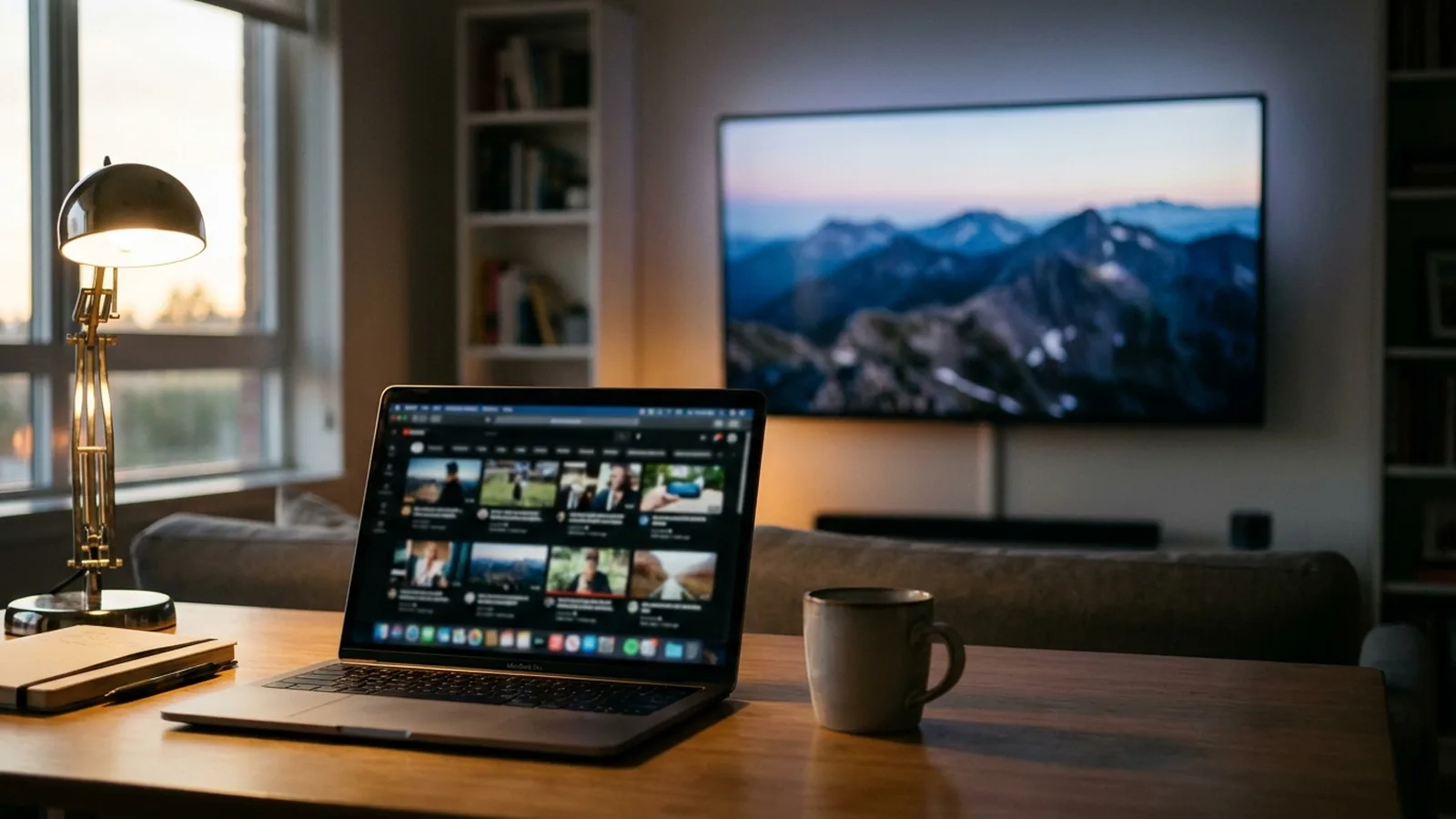
Most Google TV and Android TV devices do not support AirPlay, so the Screen Mirroring menu on a Mac does not list them. To watch a video file from your Mac on such a TV, use Google Cast or the Fast TV receiver: Fast TV streams the file itself over your home network instead of mirroring the screen.

The Fast TV receiver on Google TV, playing a playlist that lives on the Mac. Demo videos shown.
Why the TV is missing from Screen Mirroring
AirPlay is Apple’s protocol. Google TV and Android TV are built around Google Cast, and only some TV models from certain manufacturers add AirPlay support of their own. If your TV does not appear in the Mac’s Screen Mirroring menu, it almost certainly has no AirPlay receiver, and no Mac setting changes that.
Streaming a file beats mirroring it
Mirroring sends a live picture of your Mac’s screen, which costs quality, drops frames and ties the Mac’s display to the TV. For a video file you already have, sending the file is better: the TV plays it at its own resolution and frame rate, the Mac stays free to use, and you can control playback from the TV remote. That is what Fast TV does.
Set it up once
- Download Fast TV on an Apple silicon Mac running macOS 13 or later.
- Install the Fast TV receiver on the Google TV or Android TV, or use the TV’s built-in Google Cast.
- Connect both devices to the same home network, add a video on the Mac, choose the TV and click Play on TV.
The full walkthrough with the TV controls is in Watch a local video from your Mac on Google TV. For the Cast-only path, see Cast a local video to a Google Cast TV.
What Fast TV does not do
- It does not mirror your screen or a browser tab, so it is not a replacement for presenting your desktop.
- It does not play video from streaming subscriptions or DRM-protected downloads.
- It does not add AirPlay to the TV. If you need AirPlay specifically, that is a TV-side feature from the manufacturer or a third-party receiver app, which Fast TV does not provide.
If you only need the picture for a few minutes
For a quick look at something that is not a video file, a USB-C to HDMI cable or Chrome’s own tab casting is simpler than any app. Fast TV is for watching the videos on your Mac from the sofa, with a playlist, subtitles and the remote.
Questions
Can Fast TV play a video that is open in Safari or another app?
No. Fast TV plays video files you add to its playlist. It does not capture apps or the screen.
My TV lists AirPlay in its settings. Should I still use Fast TV?
Use whichever you prefer. AirPlay from a Mac can mirror or send a file, depending on the app. Fast TV adds a shared playlist, external SRT and WebVTT subtitles and TV remote browsing, and works on Google TV models that lack AirPlay.
Does it work with Android TV as well as Google TV?
Yes. The receiver runs on Google TV and Android TV devices with Android 7 or later.
Related guides
Free to download. A one-time US$19.99 licence streams from up to two Macs. Apple silicon with macOS 13 or later, and a Google TV or Android TV on the same local network.